English
Calls
Make a call
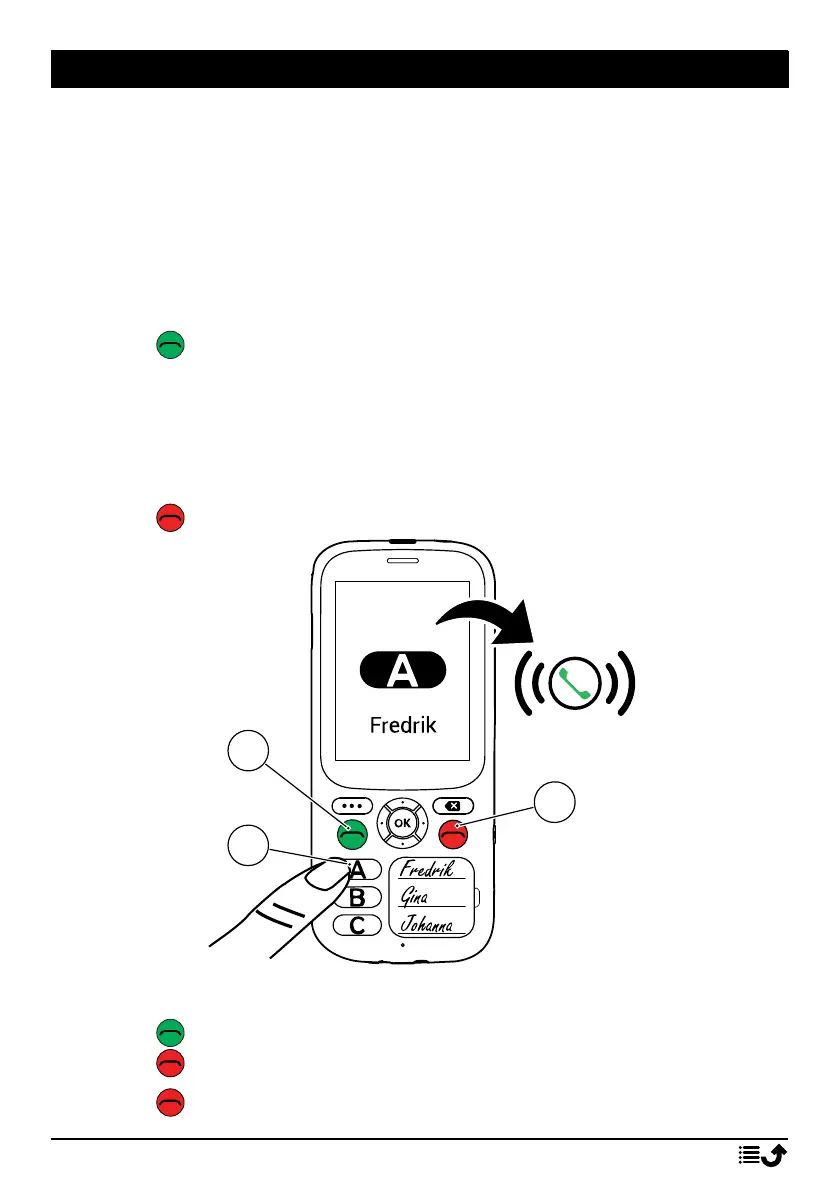
Note! The speed dial keys
A
,
B
and
C
must have numbers configured
before it’s possible to dial. See Phonebook settings, p.22.
Tip: For international calls, always use + before the country code for best
operation.
1. Press
A
,
B
or
C
.
2. Press to make the call.
Note! If you have more than one SIM card installed, you will be asked
what SIM card to use. To set the preferred SIM card, first check
Always use this for calls and then select SIM card. See also Dual SIM
settings, p.33.
3. Press to end the call.
Receive a call
1. Press to answer.
Press to reject the call (busy signal).
2. Press to end the call.
12



 To Next Page