English
Lock keys
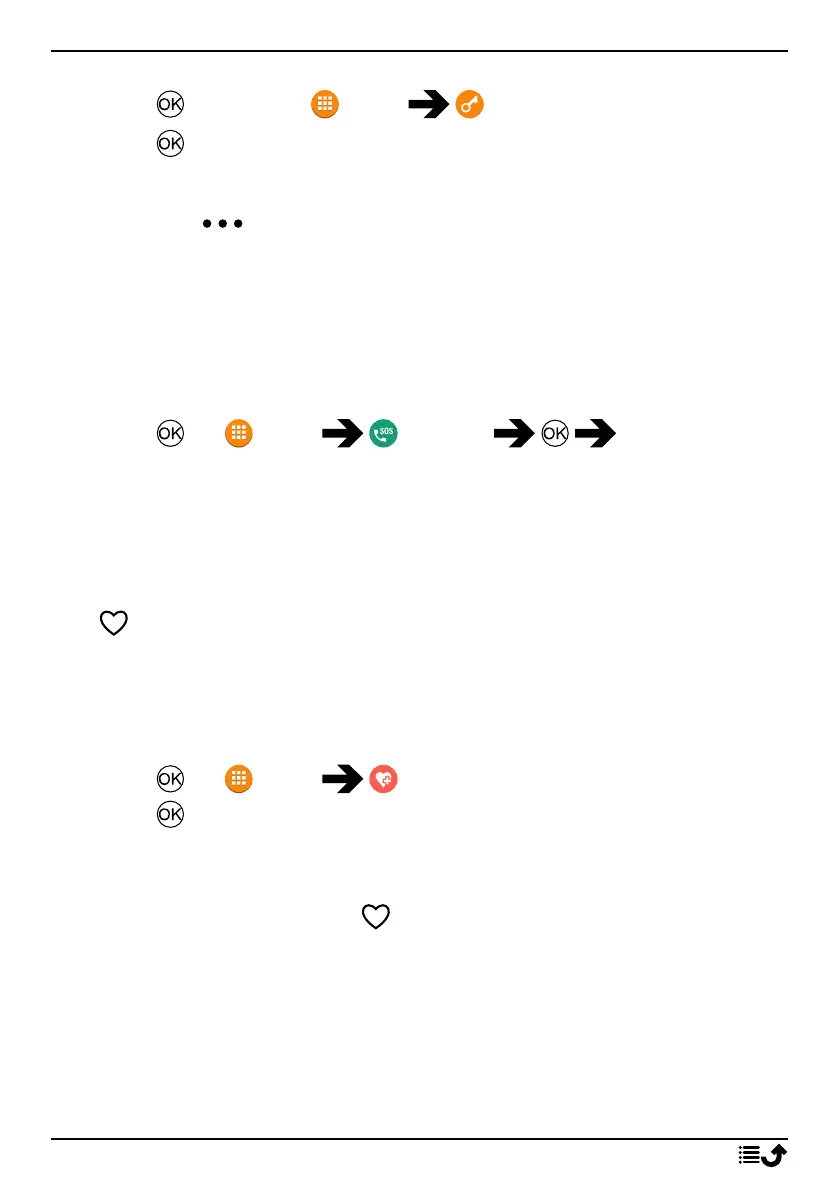
1. Press to open the Menu Lock keys.
2. Press .
Unlock
• Longpress .
Note! Depending on phone settings, automatic key lock can be enabled
after a set time. See Keypad lock, p.42.
SOS calls
As long as the phone is switched on, it is possible to place an SOS call by
following the below description.
1. Press for Menu SOS call Yes
Some networks accept calls to emergency numbers without a valid SIM
card. Contact your service provider for more information.
Note! The emergency number is pre-configured to 112. You can change
the number, but it’s not recommended. See Set emergency number, p.23
ICE
First responders can access additional information such as medical infor-
mation from the persons phone in case of emergency. In the event of a
trauma, it is critical to have this information as early as possible to increase
the chances of survival.
1. Press for Menu ICE.
2. Press to view the available data.
Note! All information must be entered by the user or a relative. All fields
are optional, but the more information provided the better. See Set ICE
settings (In Case of Emergency) , p.22 on how to enter information.
Safety timer
The safety timer is used to the alert your predefined Responders (family
and friends) via Response by Doro or a possible Alarm receiving centre if
the timer isn't deactivated within a set time. For example, before taking a
shower activate the safety timer and if not deactivated within a set time,
your predefined help Responders are notified.
19



 To Next Page