English
Security & location
Passwords
Change phone code
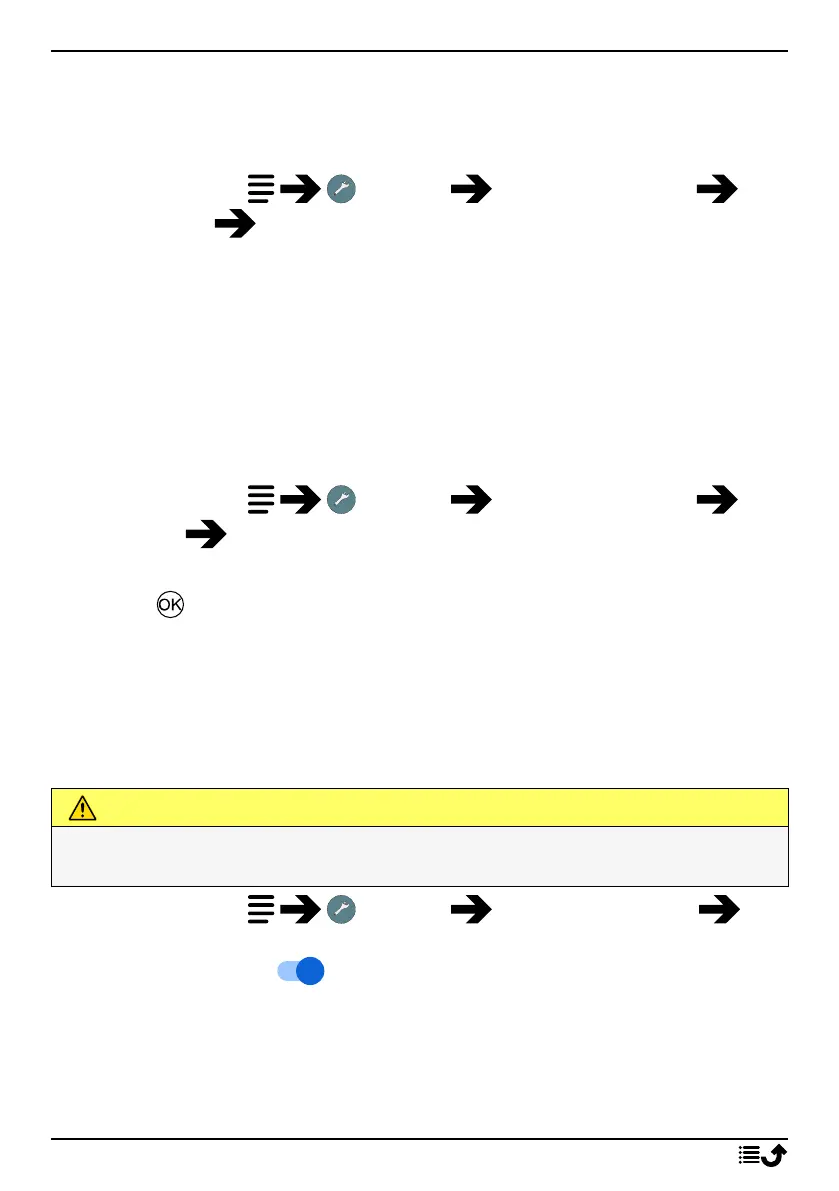
1. Press and hold Settings Security & location
Passwords Phone code.
2. Enter current code and press OK.
3. Enter new code and press OK.
4. Confirm new code and press OK.
Note! The default phone code is 1234 and is used for e.g. resetting the
phone.
Keypad lock
The phone automatically locks after the set time period.
1. Press and hold Settings Security & location Key-
pad lock Auto keylock.
2. Select after what time the phone automatically locks.
3. Press to confirm.
Location
Global Positioning System (GPS) and additional supplemental information
such as Wi-Fi and mobile networks are used to approximate your location.
Location data may be used by apps and services, such as assistance calls
and weather forecasts.
CAUTION
If you turn off location, services such as assistance location cannot
access your location information.
1. Press and hold Settings Network & Internet
Location.
2. Enable the switch to enable location positioning.
Mode
The GPS is quite battery consuming. If you want to reduce the battery con-
sumption you can set Mode to Battery saving.
42



 To Next Page