English
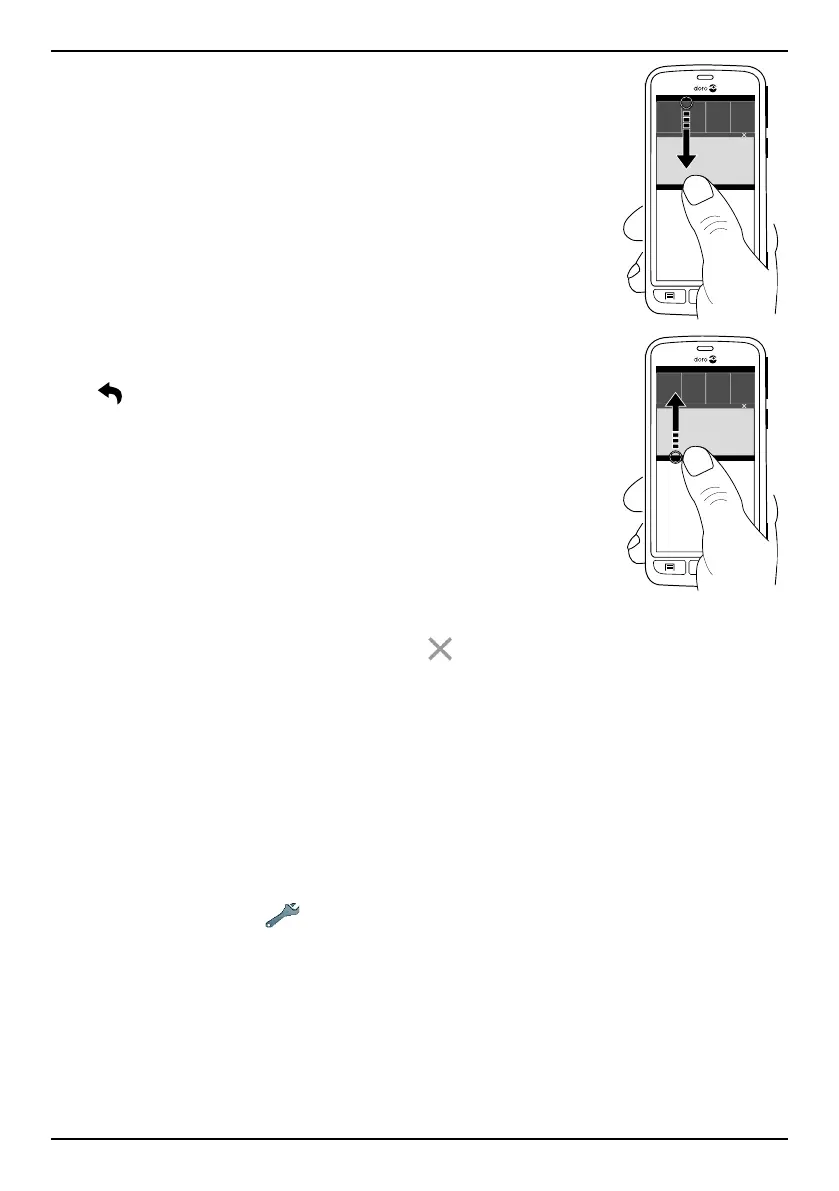
To open the notification panel,
swipe the status bar downwards.
To close the notification panel,
swipe upwards on the screen. Or
tap
.
Clear the notification list
• To clear all the notifications, tap
.
• To close one by one, swipe to the left or right.
Use the quick setting buttons
1. To enable or disable features, tap:
• Wi-Fi.
• Mobile Data.
• Bluetooth.
• Aeroplane mode.
Tip: Use the shortcut
in the upper right corner to reach Set.
Notifications on lock screen
All app notifications appear on the lock screen ready for viewing. Not only
that, but you can interact with them as well. Depending on the app in
question you can:
• Swipe to dismiss.
• Tap to reply.
15



 To Next Page