English
6. Tap Yes to confirm.
Quick and easy way to quiet your phone
• Use the volume keys to adjust the ringtone volume.
• Drag the on-screen slider to adjust the sound level.
• Tap
to enable or disable Silent. Once enabled, your phone will not
ring when you receive an incoming call or message, but the screen will
still turn on.
• Tap
to enable or disable Vibrate. Once enabled, your phone will vi-
brate and the screen will turn on to alert you of incoming calls and
messages.
Status bar
The status bar, located at the top of your screen, shows signal strength, on-
going and new applications as well as battery status.
Notification panel
Open the notification panel to view more information about the icons in
the status bar, to view your notifications and manage the quick settings like
Wi-Fi or Aeroplane mode.
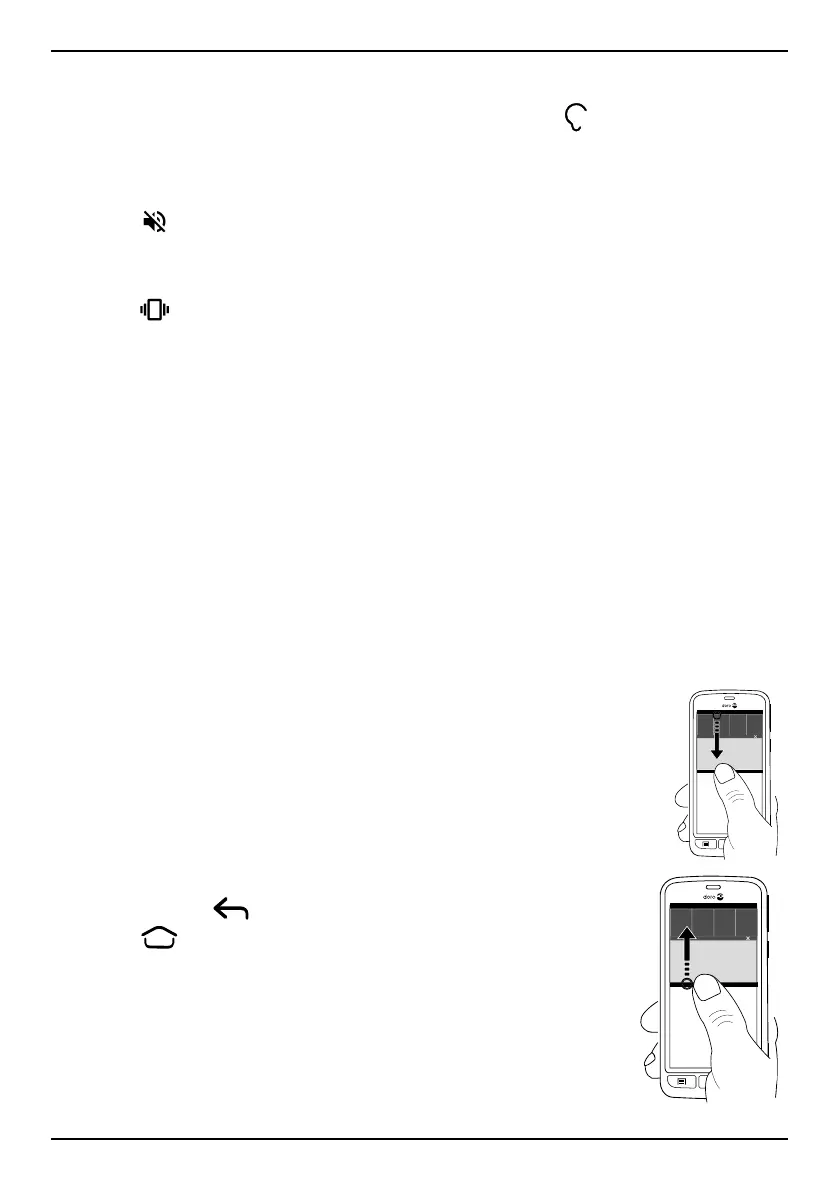
Open and close the notification panel
To open the notification panel, swipe
the status bar down.
To close the notification panel, swipe
up twice, or tap
twice,
or press
to return to the Home
screen.
16



 To Next Page