English
7. When done, tap Write a message here.
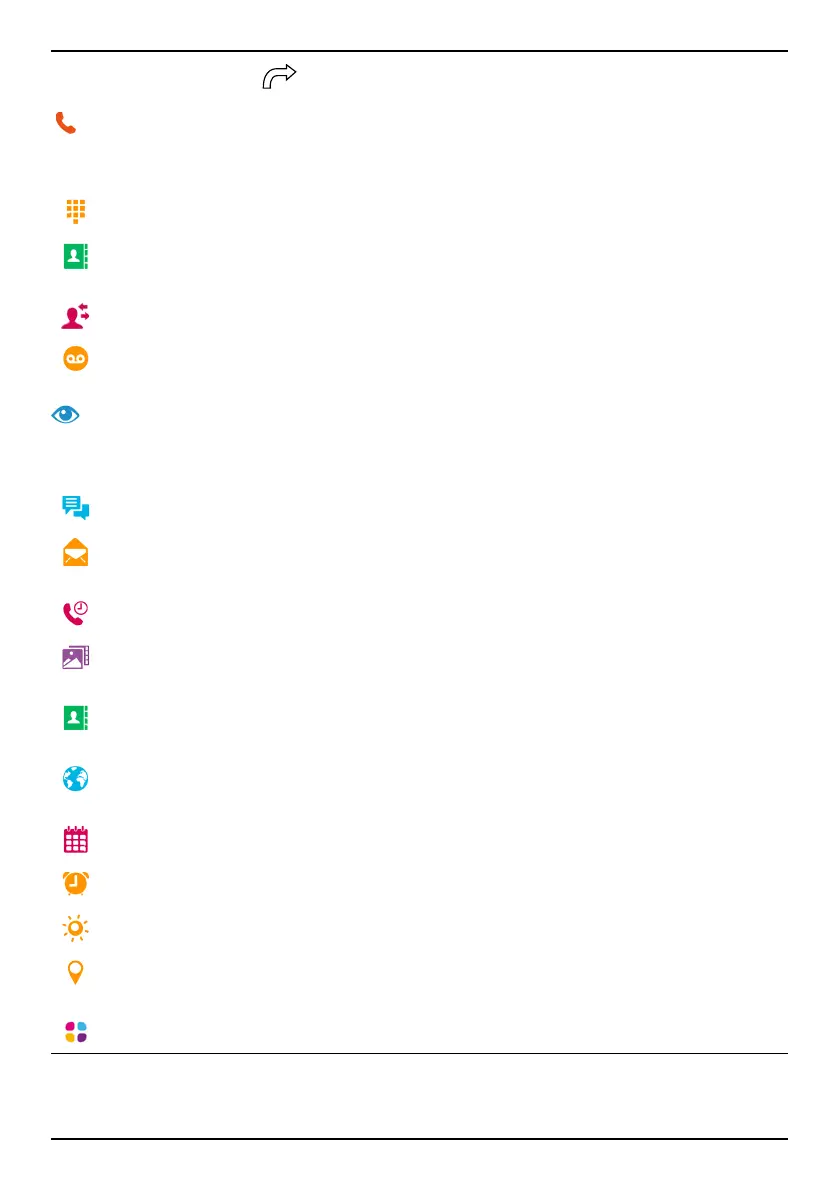
Call
To call someone.
A number to enter a phone number, see Calls, p.45.
A contact to make a call from your contact book. For more info see
Calls, p.45 or Contacts, p.48.
A recent contact to call from the call log, see Call log, p.47
My voicemail to call your voicemail, see Call settings, p.47.
View
To reach many of the most frequently used apps.
My messages to view messages.
My emails to view emails, create or add an email account, see Email,
p.55
My call history to view call logs, see Call log, p.47
My pictures and videos to view stored images and videos, see Handle
pictures in the Gallery, p.58
My contacts to see and handle your ICE card (In Case of Emergency),
see Contacts, p.48
Something on the Internet to search the Internet, see Internet (Web
browser), p.61
My calendar to see the calendar and your events, see Calendar, p.64
My alarms to view your alarms or add a new one, see Alarm, p.65.
The weather forecast, see The weather forecast, p.65.
My location to go to Google maps and find your location, search for
addresses, find your way and more.
My applications to reach your apps, see My applications screen, p.14
25



 To Next Page