English
• Tap to type only lower case letters.
•
to type with capitalisation.
Smileys
1. Tap
for a list of smileys.
2. Select the desired smiley.
3. To return, select ABC.
Enter text with word predictions
Start entering text and the dictionary suggests words based on the keys
you have selected. Predictive text is enabled by default. When you’re done
typing something, you can go back and tap a misspelled or mistakenly au-
tocorrected word. Tap the misspelled or mistakenly autocorrected word to
select other possible auto corrections. This is the easiest way to fix mis-
takes — if you don’t find the word you wanted, use the Backspace key to
erase and type a new word.
Enter text
1. Start to type a word, your keyboard may provide predictions as you
type. You can tap a predicted word below the entered text to auto-
matically complete it.
2. Tap the Spacebar to keep the word you typed and continue with the
next word.
Cut, copy, share and assist
Cut, Copy, Share, Select all, and Paste are features available when writing
e an email, text message/box, or basically anywhere.
Note! Long pressing on any action bar icon will help to identify them by
popping up a text bar describing the action.
1. Touch and hold the text you want to copy.
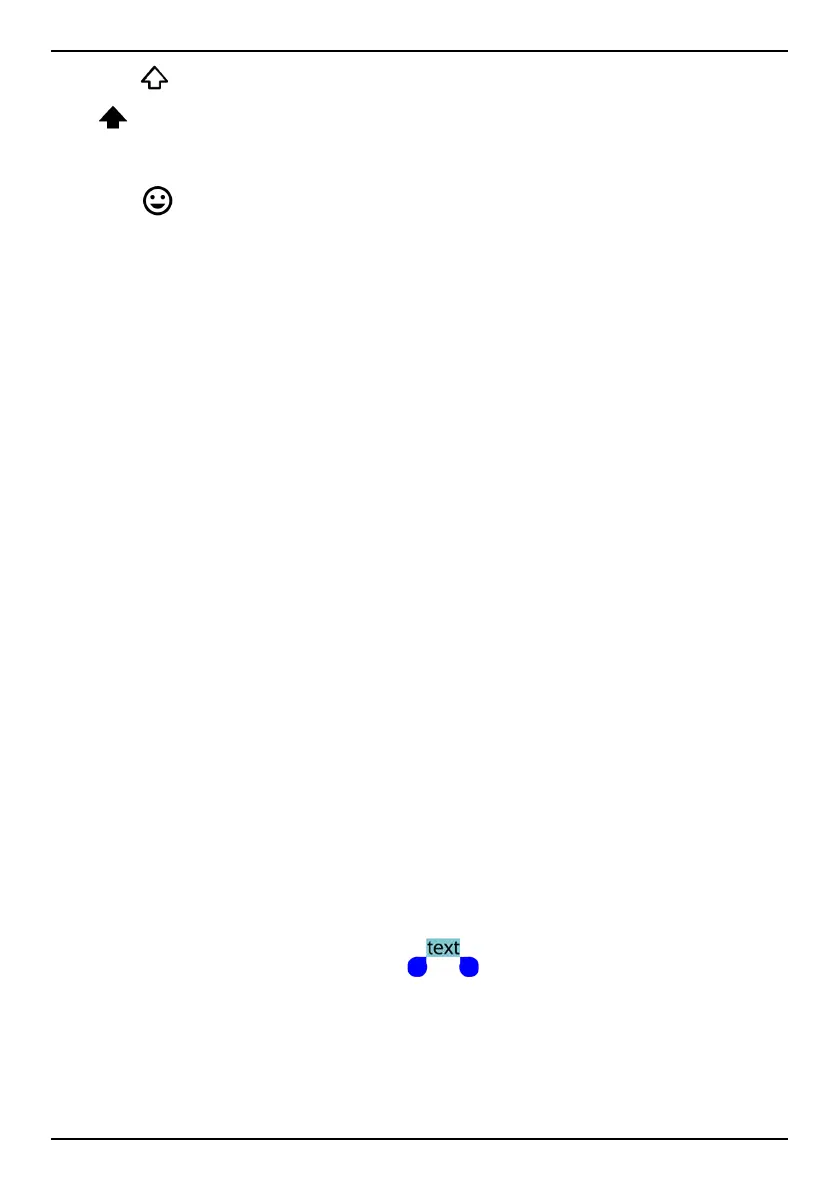
2. The selected text is highlighted
. Move the marker on either
end to increase or decrease the highlighted area.
3. When the highlighted area is the size you want, select Copy or Cut.
4. Touch and hold where you want to paste. The text box Paste will be
displayed. Press the text box to paste the text.
19



 To Next Page