English
• The first recipient in the list is dialled. If the call is not answered within
25 seconds, the next number is dialled. Dialling is repeated 3 times or
until the call is answered, or until Cancel is pressed.
Assistance button settings
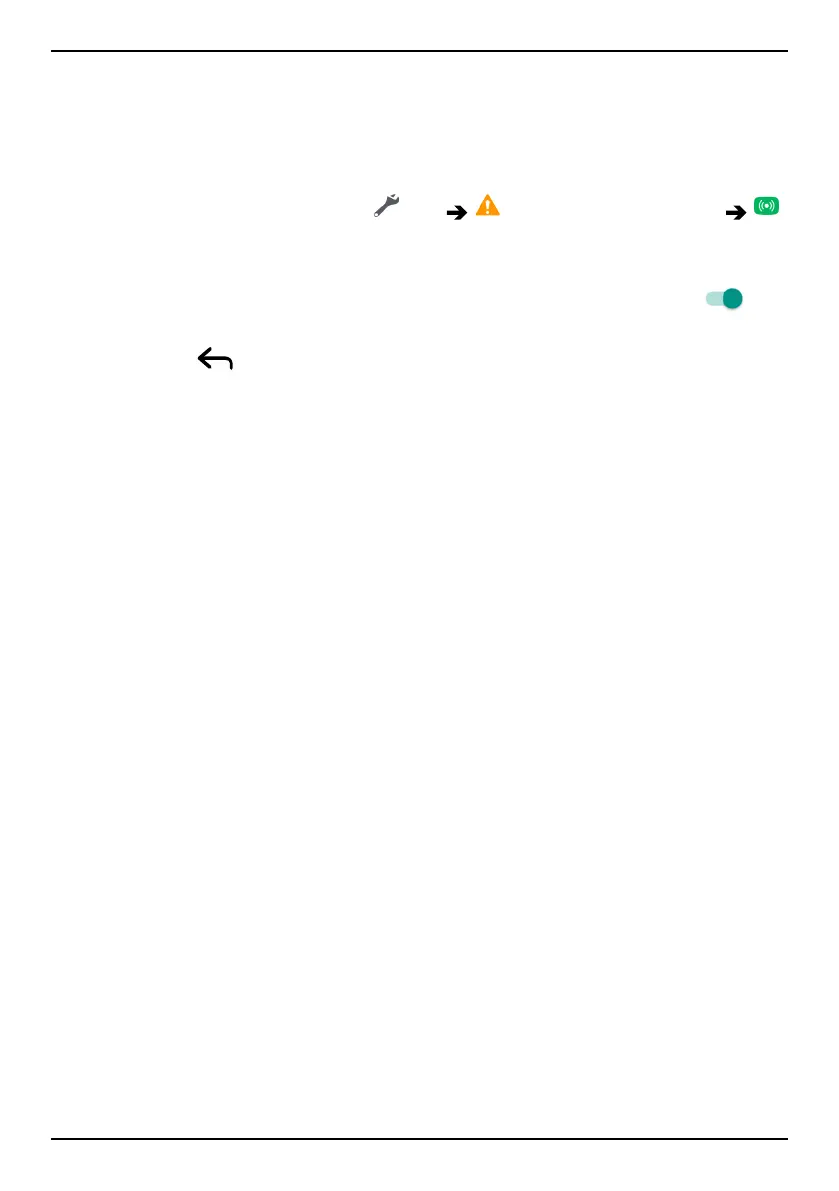
1. From the Home screen, tap Set An assistance option
My assistance button.
2. Follow the on-screen instructions.
3. In Do Not Disturb access we recommend that you switch on
to
allow Assistance button.
4. Tap Back
.
5. Tap Configure.
6. Follow the on-screen instructions to complete the setup.
Application
Set application to link with the assistance button.
• Tap Configure to choose application for the assistance button, Assis-
tance button is default.
Select how to activate the assistance function
• Press 3 times to activate by pressing the button 3 times within 1
second.
• Long press (On normal) to activate by pressing and holding the but-
ton for approximately 3 seconds, or press it twice within 1 second.
Set the volume level for the assistance calls
Select the signal type for the assistance sequence.
Note! This sets the signal of your device, NOT the receiver's signal.
• High (default).
• Low.
• Silent.
Select your assistance contacts
1. Tap Add contact.
2. Select how to add a contact.
3. To delete a contact, press the minus sign after the number.
51



 To Next Page