i
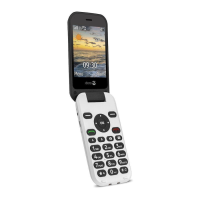
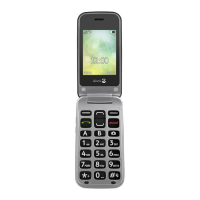
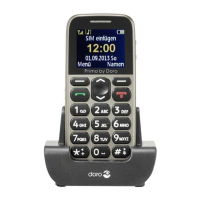
1. Switch for keylock
2. Torch LED
3. Earpiece Socket for 3.5mm standard earphone
4. UP/DOWN keys In standby: Press to open
the Shortcut key list.
Press to open the Mes-
sages menu.
Press to navigate in menus
and lists
5. Left Soft Key Press it to enter the main
menu
6. Right Soft Key Press it to open the phone-
book
7. Dialing key Press to dial a number or to
accept a call; Press it once to
enter Call Log.
8. End key Press to cancel a phone call;
Press to return main standby
page; Press & hold to turn
ON/OFF the phone
9. Number keys In standby mode, press to
input numbers;
Long press key 1: Making a
call to the voice mailbox (tele-
phone number must be stored);
Downloaded from www.vandenborre.be


 To Next Page