English
IMPORTANT!
Always inform recipients in the Number list that they are listed as your
assistance contacts.
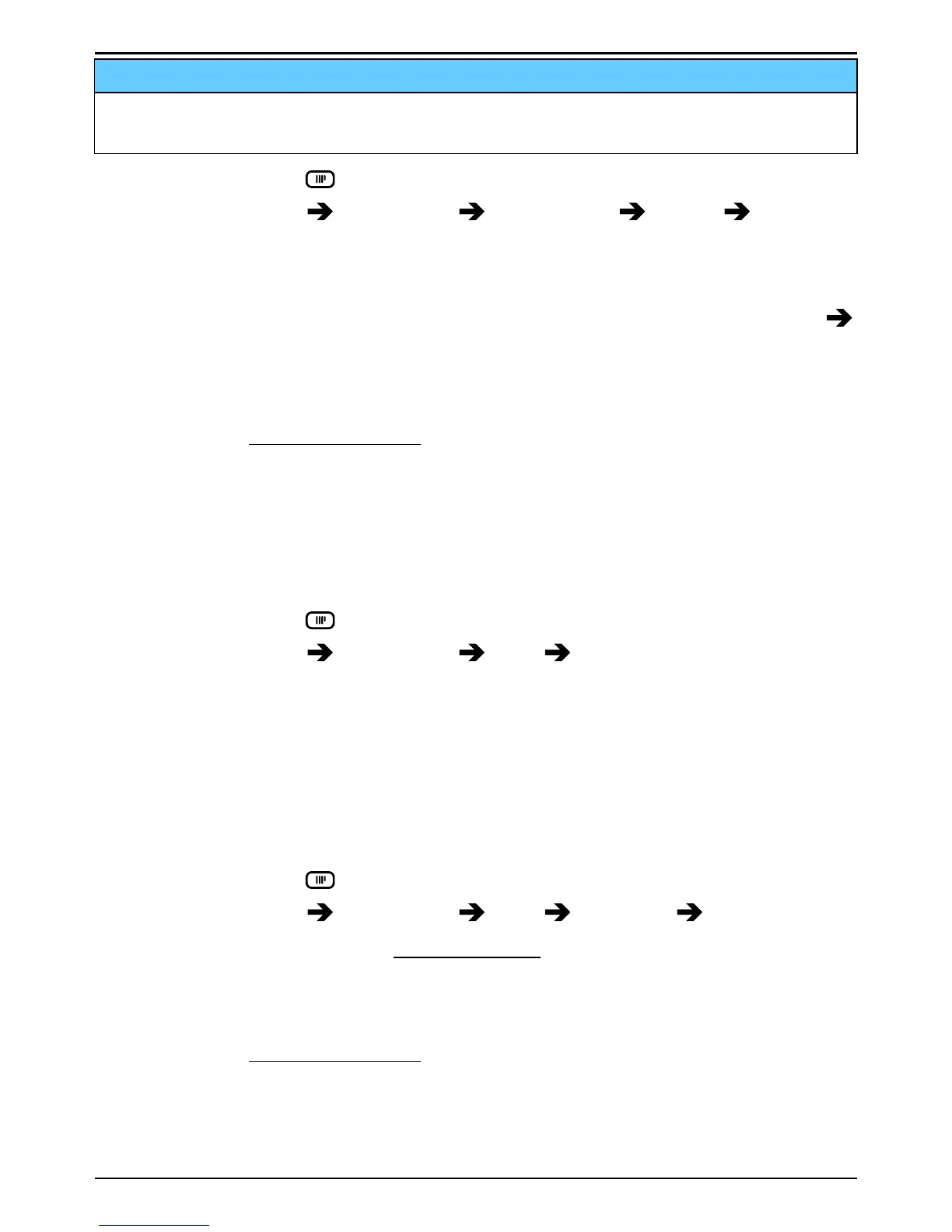
1. Press and hold
.
2. Select Settings
Assistance Number list Empty Add.
3. Use the side buttons +/– to enter number and press OK to confirm.
4. Repeat until you have 5 contacts (maximum).
Tip: To edit or delete an existing entry, select it and press Options
Edit/Delete.
Tip: Use Doro Experience
®
Manager to edit Assistance settings using a
computer, see Assistance, p.18.
Activate text messages (SMS)
A text message can be sent to the contacts in the numbers list when the
assistance button is pressed.
Activation
1. Press and hold
.
2. Select Settings
Assistance SMS Activation:
• On to send a text message before dialling.
• Off to dial without sending a text message first.
3. Press OK to confirm.
Create assistance message
Note! You must write a message if you activate the SMS function.
1. Press and hold
.
2. Select Settings
Assistance SMS Message Edit.
3. Write the message, see Enter text, p.3.
4. Press OK to confirm.
Tip: Use Doro Experience
®
Manager to edit Assistance settings using a
computer, see Assistance, p.18.
22



 To Next Page