L SERIES IP CAMERA USER MANUAL
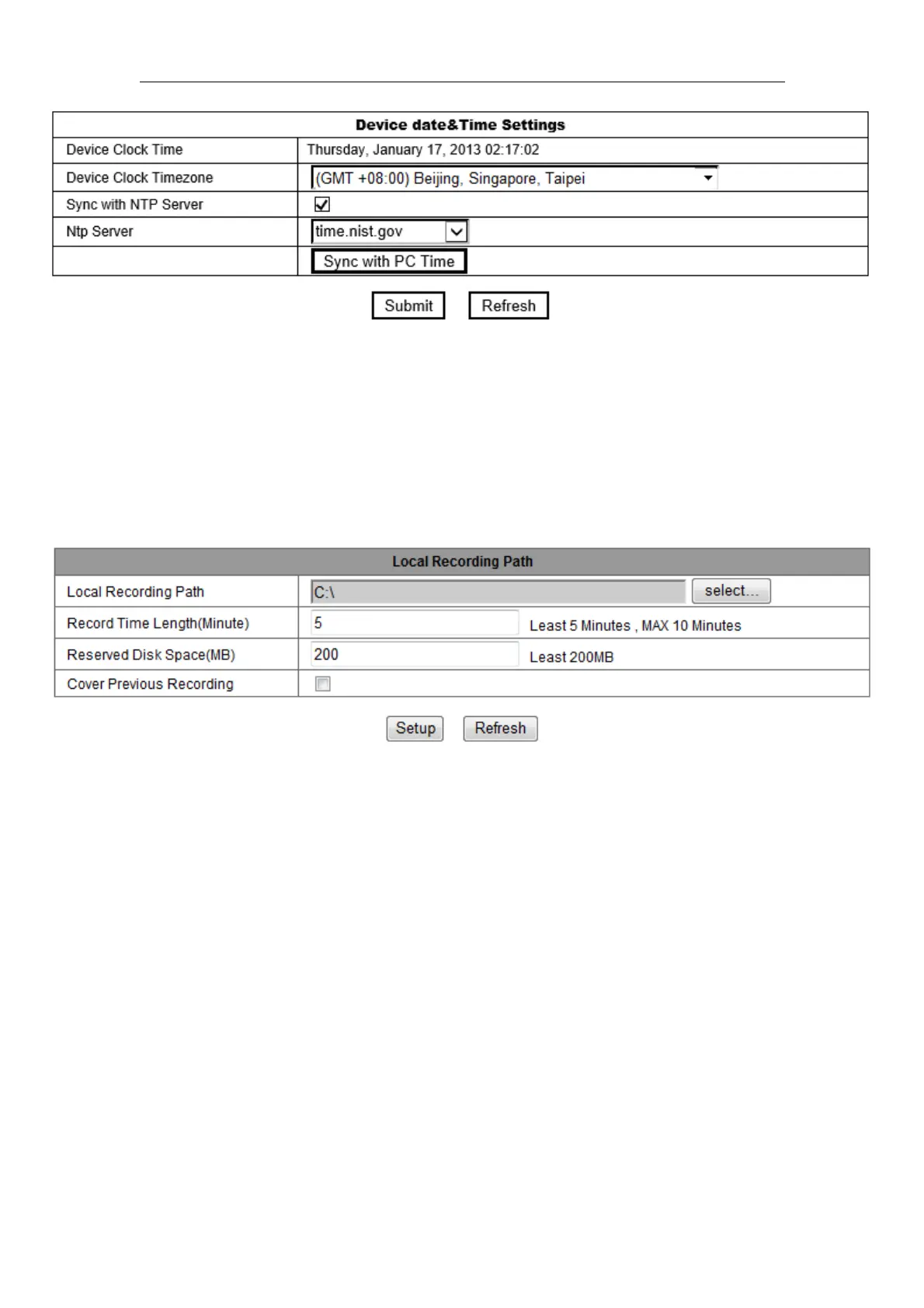
Figure 10
Remark
:
Please carefully check the camera time, so it can be sure the alarm
accuracy.
3.2.4 Local recording path
The camera will be automatically create a file folder named “Record files” when the user
don’t set “local recording path” and launch recording directly, and then save recording
file to the folder, as figure 11.
Figure 11
3.3 Device web setting
3.3.1 Basic network settings
The user can also enter the Basic Network Settings to set the IP address except using
the search software “LSearch_en.exe”. See below Figure 12.



 To Next Page