L SERIES IP CAMERA USER MANUAL
5V
√ √ √ √ Built-in
Notice:
Please check carefully if all listed items are included in the package, if anything
missing, please contact vendor in time.
2
Installation
guide
2.1 AP connection
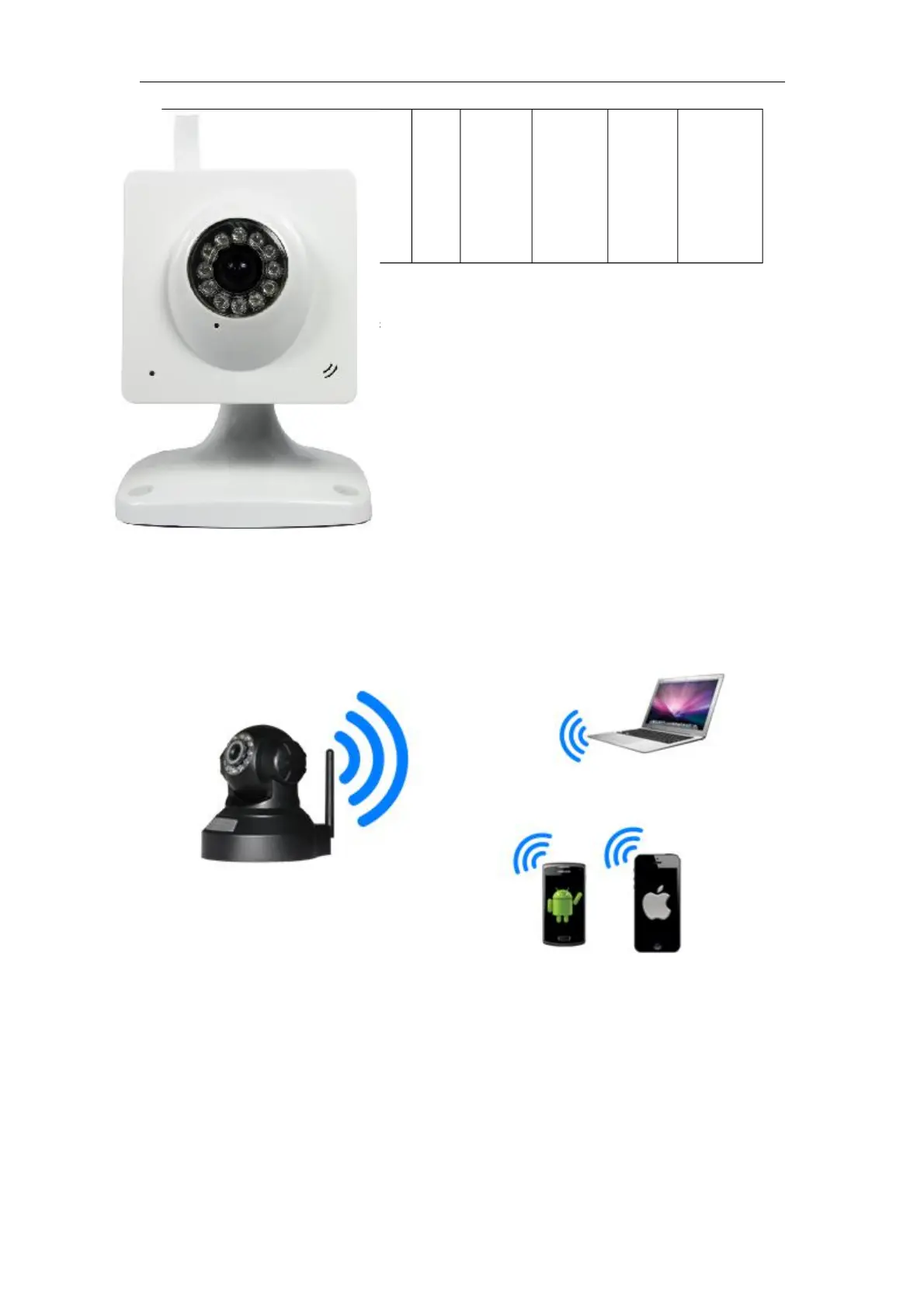
Power on the camera (Please check carefully output voltage of power adapter, don’t insert
incorrect adapter, otherwise it will damage the camera), after 2 minutes, the camera works
normally. You can use PC or mobile phone to connect directly the camera by WiFi, as
Figure 1.
Figure
1
1)
Turn
WLAN on in PC, and search available SSID, if searched AP SSID in device label,
then you can connect it, default password is 123456789.
2) After connecting the camera, it will assign IP address to PC( PC wifi IP address
need to be set to obtain automatically).
3) Open browser in PC, enter IP address of camera(AP default IP address is
192.168.9.1
)
then you can visit the camera(refer to 2.2).
Note: Please check the user manual of mobile phone software when you connect to the
camera by mobile phone.



 To Next Page