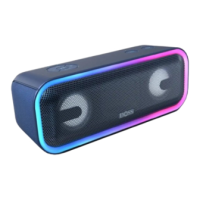
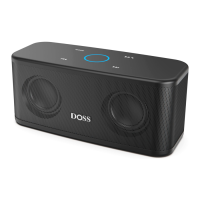
Package content
Product overview
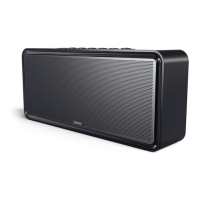
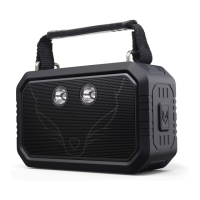
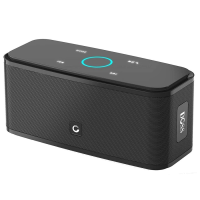
Thank you for purchasing the DOSS SoundBox Wireless Portable Bluetooth
Speaker
wireless portable speaker.
• One wireless portable speaker
• USB charging cable
• Φ3.5mm auxiliary cable
• Travel waterproof pouch
• User manual,Warranty card,Contact card
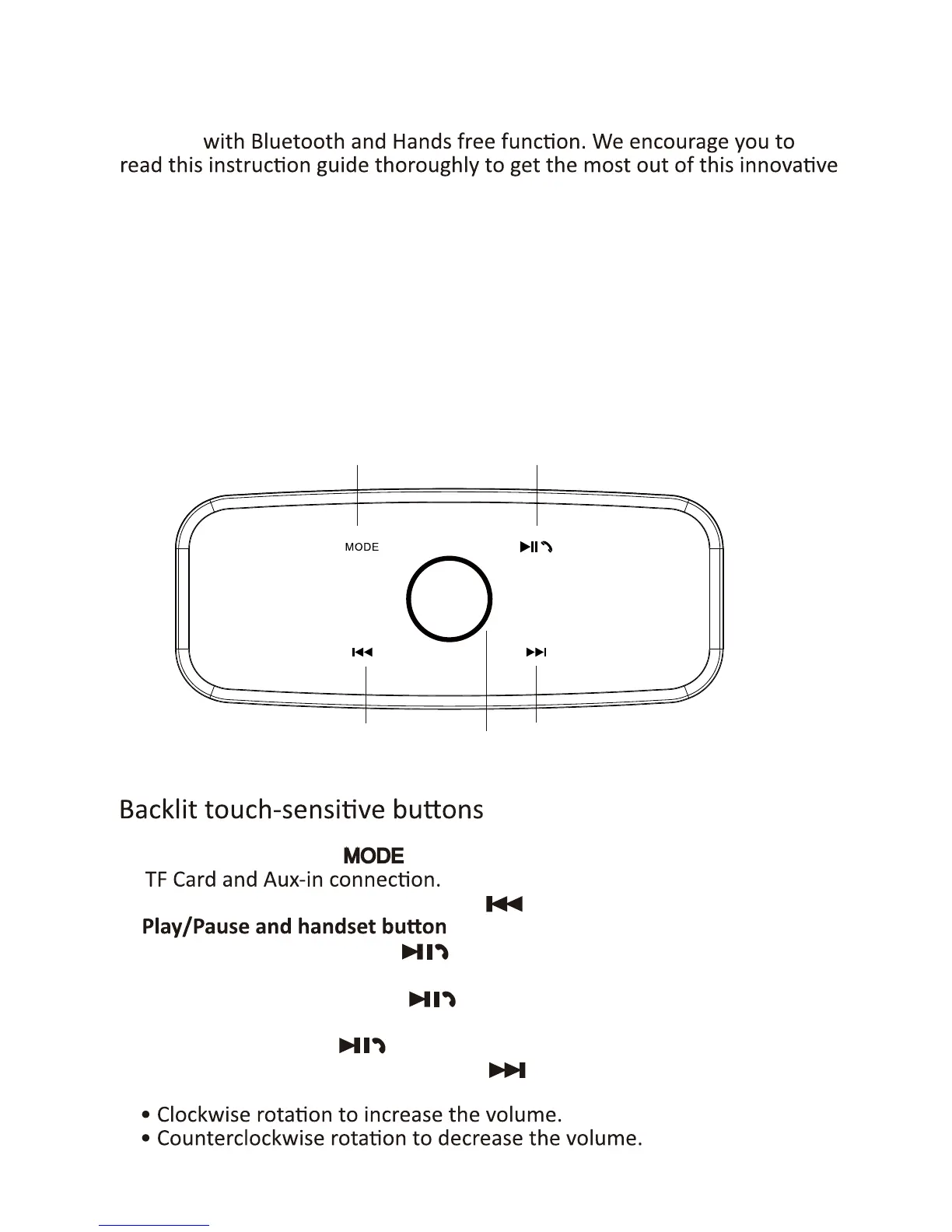
1. Mode switch: Touch to toggle play mode among Bluetooth,
2. In Bluetooth mode/TF mode, touch to skip backward.
3.
• In Bluetooth mode,touch to answer or end a call. Touch for 3
seconds to reject a call.
• In Bluetooth mode, touch to play/pause your tune. Touch for 3
seconds to disconnect with your device.
• In TF mode, touch to play/pause your tune.
4. In Bluetooth mode/TF mode, touch to skip forward.
5. Volume control:
1
2
3
5
4
introducon


 To Next Page