Pag
4
di
5
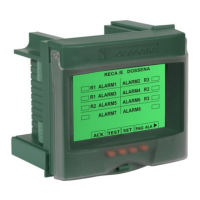
Introduction: The type B residual current device DER4B series, fully compliant with IEC 60947, can be used in LV DC networks, AC (TT, TN) or mixed currents. The series is recommended for
the use with inverters, UPS, ev charging stations, frequency converters, photovoltaic systems, lifts, lathes, milling machines and so on, since these devices generate direct or mixed residual
currents, which the type A residual current devices don't detect.
INSTALLATION SUGGESTIONS AND SAFETY PRECAUTION:
All installation and maintenance operations must be carried out by qualified personnel in the absence of voltage and in a total electrical safety regime, in compliance with the safety
regulations.
1) Before powering the DER4B, check that all connections have been executed properly.
2) ALWAYS install DER4B by using Dossena toroid TB series.
3) The cross-section of the conductors must be such that the total resistance of each DER4B ↔toroid connections does not exceed 0.5Ω.
4) Minimize the distance connections between DER4B and toroid and keep them away from power cables; use twisted shielded cables, with the shield connected to ground at one point only
(cable section ≥0,5mm2)
5) At the commissioning perform the calibration of toroid, please view section SETUP item CAL.
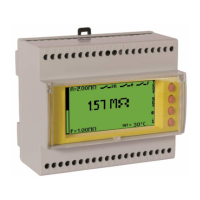
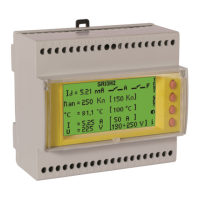
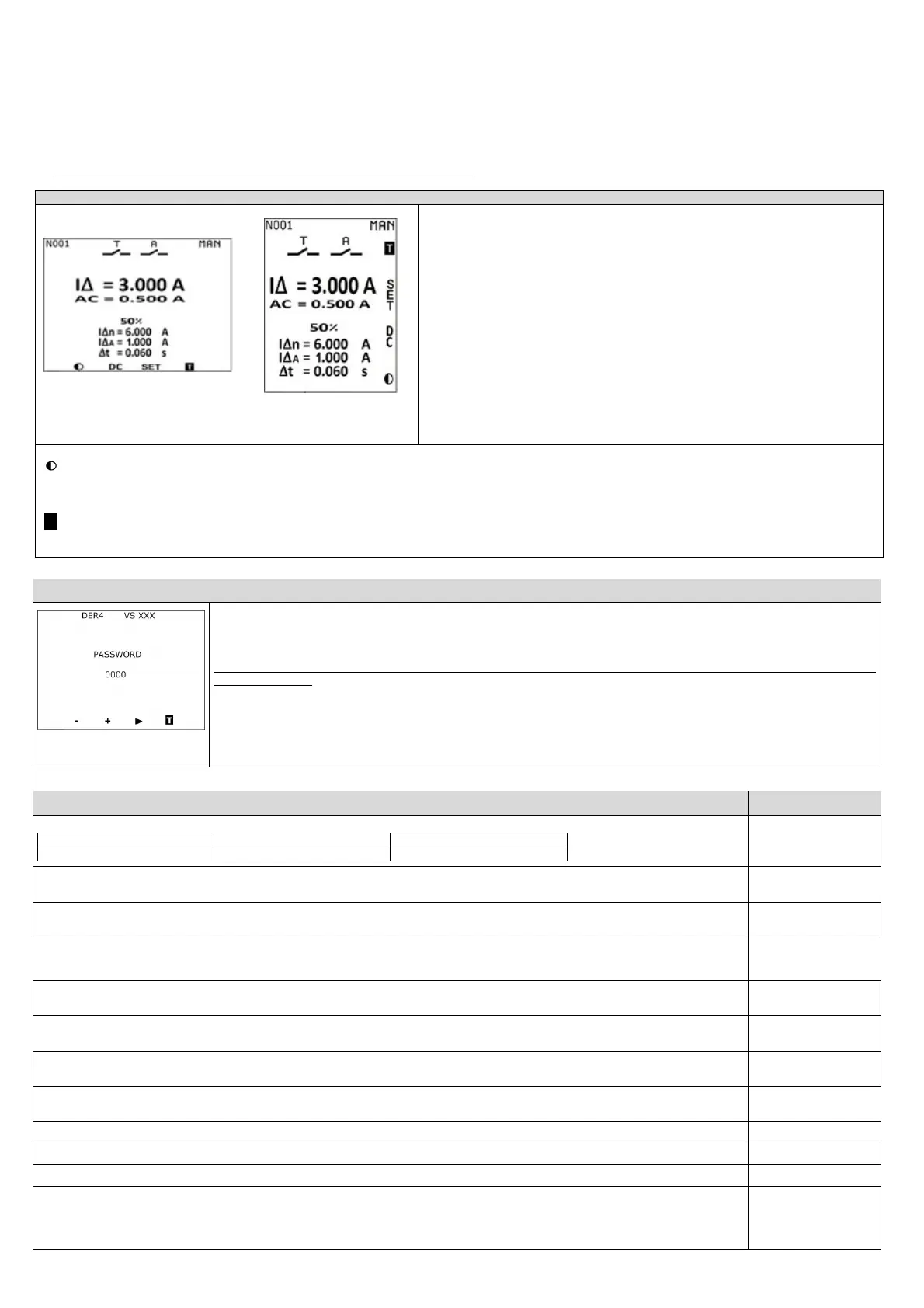
NORMAL WORKING STATE (green display)
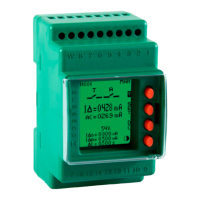
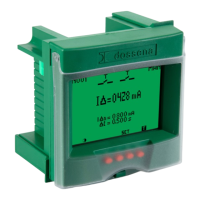
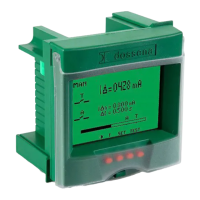
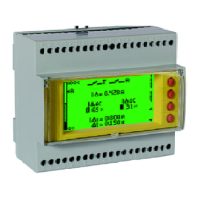
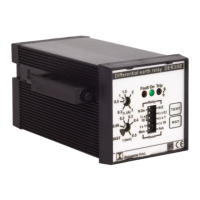
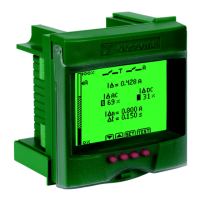
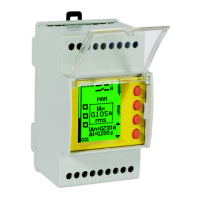
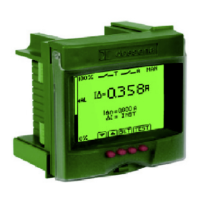
2I Model 2D Model
The instrument is in the normal state of measurement and supervision. The following parameters are
displayed and continuously updated:
Visualization in TRMS of the residual alternating current (I∆ AC by pressing the AC key) and direct
current (I∆ DC by pressing the DC key) present in the system, expressed in Ampere.
I∆n= Threshold of the set residual current.
I∆A= Alarm threshold set.
∆t= Limiting non-actuating time.
Reset= automatic (AUTO) or manual (MAN)
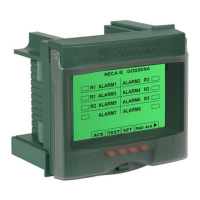
State of the relays and their meaning (T trip, A alarm).
Node number, if the serial option is present (es. N001).
If the measured leakage current exceeds the threshold of 25% of the IΔn, the percentage of the
detected current in relation to the set nominal leakage current threshold IΔn will appear flashing on
the display.
The flashing speed will increase as the set threshold value IΔn approaches.
In the event of a trip, the estimate of the maximum measurable tripping current is displayed.
Keys function:
: Press this button to adjust the contrast (once you have changed the contrast, enter and exit setup to save the settings)
SET
: press for at least 3 seconds to enter in SET UP.
AC: Press this button to choose the visualization in TRMS of the residual alternating current
DC: Press this button to choose the visualization in TRMS of the residual continuous current
T
: pressing the T (Test) button checks the operation of the protection system (DER4 + circuit-breaker opening). Briefly press the TEST button to carry out the test. Soon the display will
turn red, the TRIP relay and the 2nd relay will change state and the word TRIP will appear flashing. If the reset is set to manual (MAN), pressing the RST key will reset the residual current
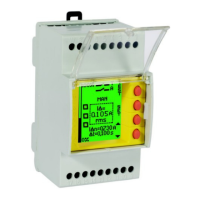
SETUP (blue display)
(for 2D model the keys are on
the right side)
SET = press SET button for at least 3 seconds to enter the SET UP (display becomes blue).
► press to switch from one parameter to another in a cyclical way.
+/- press to modify the selected parameter.
On the toroid type selection page it is possible to start toroid calibration by holding down the CAL key for 2s, in order to eliminate possible offsets.
This operation is absolutely necessary for the instrument commissioning and must be carried out in the total absence of residual current (all loads
must be switched off).
The display will turn green and the message “CALIBRA” will appear. If the calibration is successful the display will return to blue and the message “CAL
OK” will appear, otherwise the display will turn red and the message “FAIL” will appear.
press SET button for at least 3 seconds to exit from SETUP and save the parameters.
DER4B automatically exits from SETUP without saving modifications, after 3 minutes of inactivity.
Note: In the SETUP phase the residual current protection is suspended.
PARAMETERS RANGE
[DEFAULT]
LEVEL IΔn (A)= Threshold of the nominal residual current. The intervention of the TRIP relay will occur when 85% of the set IΔn value is exceeded.
0,03 ÷ 30A [12A]
TORO TYPE= Toroid choice.
n case of variation of this parameter it is nece
ssary to carry out the calibration procedure
T35 - T60 - T80 - T110
DELAY ΔT= Limiting non-actuating time (s): delay within which a residual current higher than the set IΔn can flow in the DER4B without causing it to trip
will operate without delay, with instantaneous tripping).
INST/ 0,06 ÷ 30s [5
S
]
ALARM LEV= Alarm threshold. When this threshold is exceeded, an alarm condition is generated. If you want to disable this parameter, set to OFF by holding
down the minus key
. If you want the 2nd relay to work as a second trip relay (T), set TT by keeping the plus key
pressed.
OFF/15mA÷85% IΔn/TT
[OFF]
TRIP MODE= It represents the rest state of the TRIP relay. It is normally open (NDE) and closes when the IΔ exceeds the IΔn. In case of NE the letter T will
NDE/NE [NDE]
ALA MODE= It represents the rest state of the alarm relay. It is normally open (NDE) and closes in the presence of alarms. In case of NE the letter A will become
reversed.
NDE/NE [NDE]
RST MODE= manual or automatic. After a trip for IΔ> IΔn, the message "SET" becomes "RST" and will therefore allow the RESET of the TRIP condition (only if IΔ
<IΔn).
MAN - AUTO [MAN]
BA ALARM= If set to ON, the continuity of the tripping coil and its power supply are constantly monitored, generating an alarm in the event of an anomaly. If
the undervoltage release is used set
ON/OFF [ON]
nly for versions equipped with serial
and parity bit (N= none, E= even, 0=odd)
nly for versions equipped with serial
PASSWORD= To set the password, enter the chosen number in the relevant field. If a password has already been entered, the display will appear green, the
message SET will become black and it will not be possible to navigate in the setup until the correct password is entered. Once the correct password has been
entered, pressing the SET button for 3 seconds will unlock the setup. Only at this point the display will turn blue and it will be possible to set the parameters
OFF÷ 9999 [OFF]


 To Next Page
 Loading...