EasyManua.ls Logo

Double Power Electronics DP-8120VB - Page 14

Default Icon
21 pages
Print Icon
To Next Page IconTo Next Page
To Previous Page IconTo Previous Page
Loading...
User Manual
14
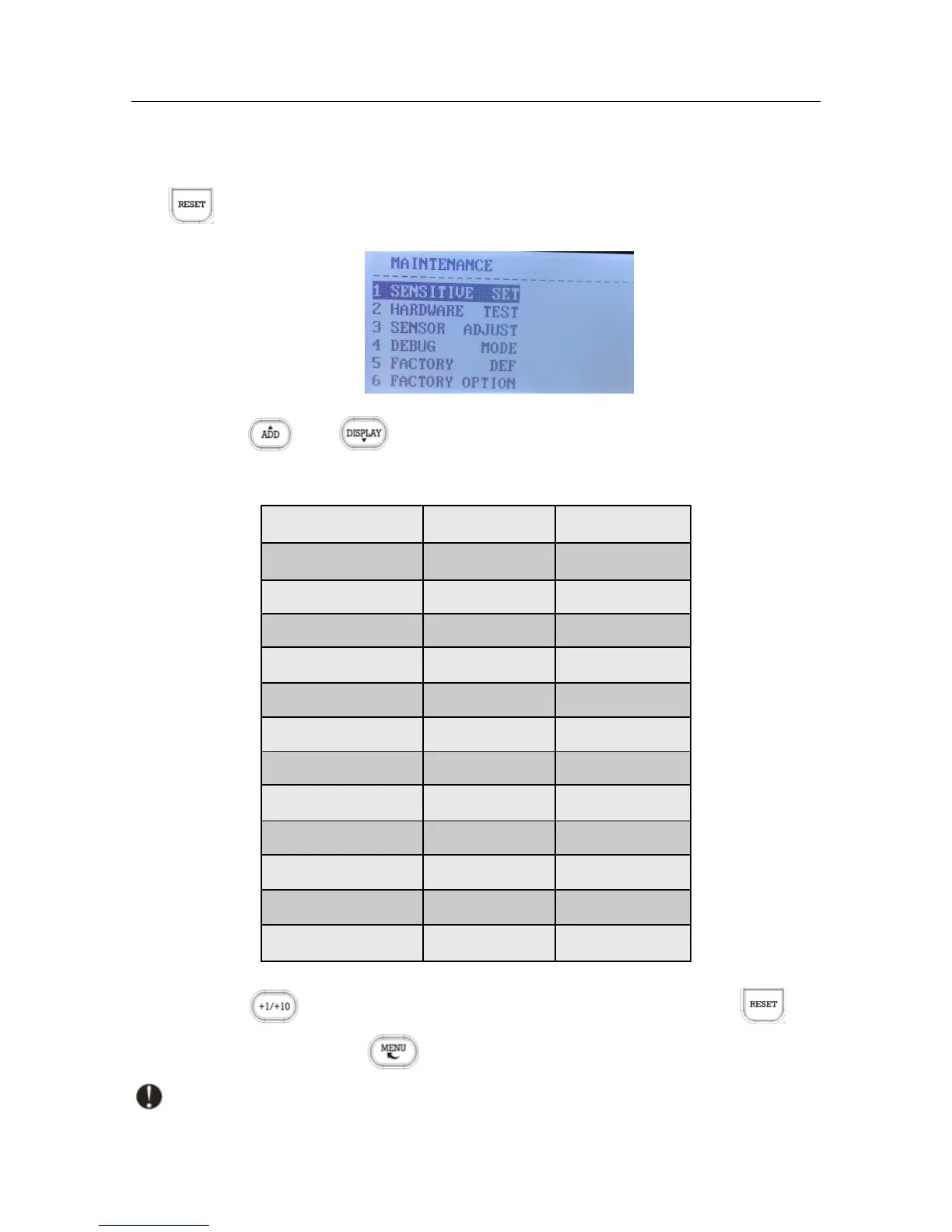
Please follow the steps to change the sensitivity parameters setting:
In normal working state, press the CLEAR” key for 5 times to enter maintenance menu, press
the key to enter “1 SENSITIVE SET” item;
Press the " or key to select desired item, For USD notes:
Item
Default value
Range
WIDTH LEVEL
4
0~8
LENGTH LEVEL
4
0~8
UV LEVEL
4
0~8
THICK LEVEL
4
0~8
PAPER LEVEL
3
0~8
IMAGE LEVEL
5
0~4
SN
5
0~8
IR
3
0~8
MG
5
0~8
MG1
4
0~8
MG2
4
0~8
MG3
4
0~8
Press the key to change the parameter value; After setting, press the key
to save the setting result; Click " " key to return to the previous menu.
The counterfeit detection sensitivity for different currency should be set separately.