Resume to Factory Setting
Press the “CLEAR” key for 5 times to enter maintenance menu, press the “ ” or
“ ” key to select the “5 FACTORY DEF” item, press the “ ” key to enter the item or
save the setting result; Click " " key to return to the previous menu, these operations make
the machine resume to the factory setting.
Troubleshooting
1. Remove the jammed banknotes
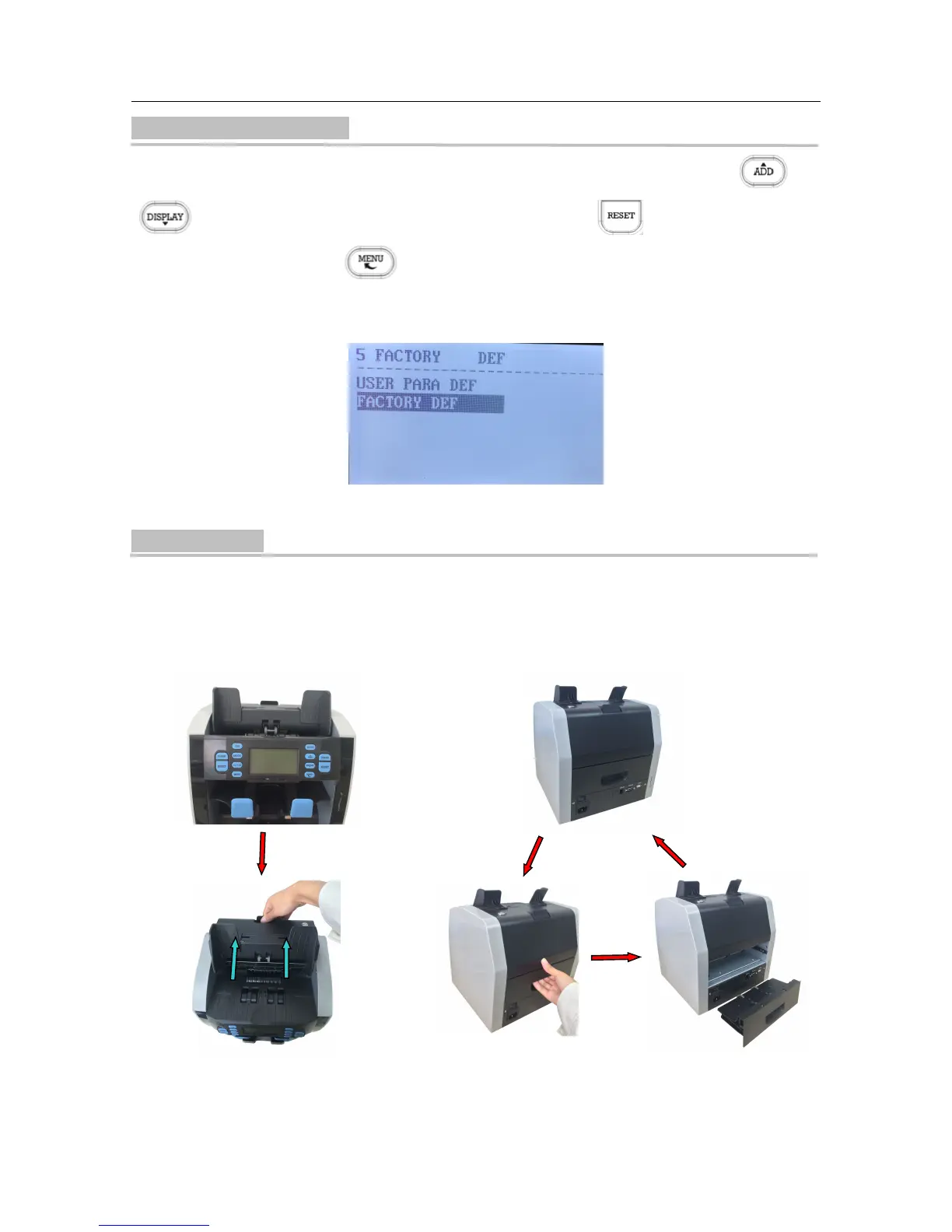
When the LCD displays "JAM! CODE=6, REMOVE ALL NOTES THEN PRESS RESET" error
message during counting, please remove the jammed banknotes by the following steps.
(A) Open the top cover to remove
the jammed banknotes.
(B) Pull the handle of back drawer to open the back
drawer, then remove the jammed banknotes.



 To Next Page