After turning on the machine, the symbol of current currency is displayed on the LCD. If you
need counting/sorting other types of currencies, press "CUR" key to change current currency, the
symbol of installed currency will be displayed in turn.
"EUR" means Euro
"USD" means US Dollar
“TRY” means Turkish Lira
"GBP" means Pound Sterling
…etc.
Five counting/sorting modes are supported. They are Mix mode, Single mode, Face mode,
Orientation mode and Count Mode. User can press the "MODE" key on the control panel to switch
the counting/sorting mode according to requirement.
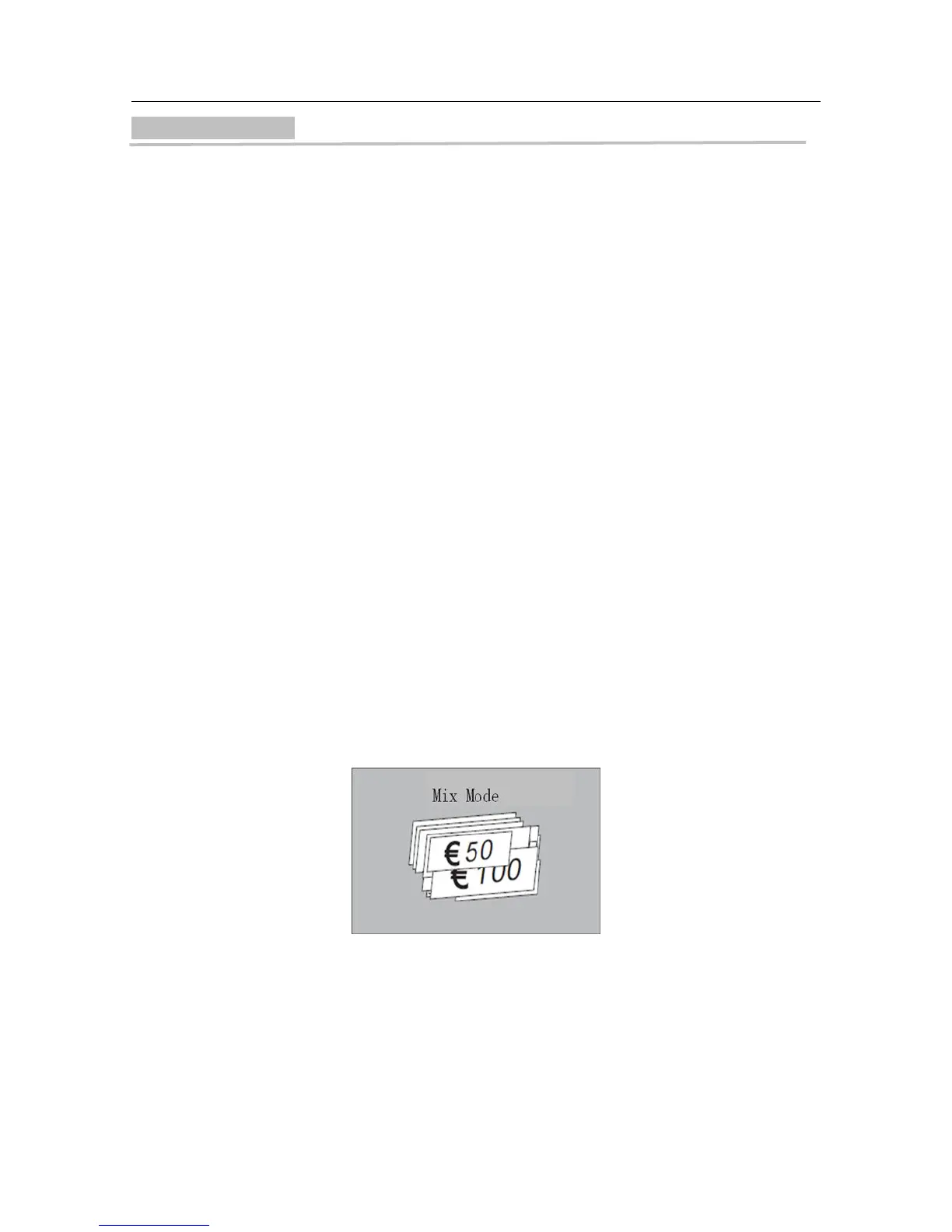
In mix mode, "MIX" is displayed on the LCD and the machine can count the mixed banknotes
with different denomination of the same currency type.
After the counting is finished, the total value and total pieces are displayed on the LCD, and
the machine will provide a report for detailed counting result by pressing the "DISPLAY" key.
e.g. Euro result can be as follows:



 To Next Page