messages are displayed on the LCD, please handle them according to the Troubleshooting in the
manual.
Figure 1
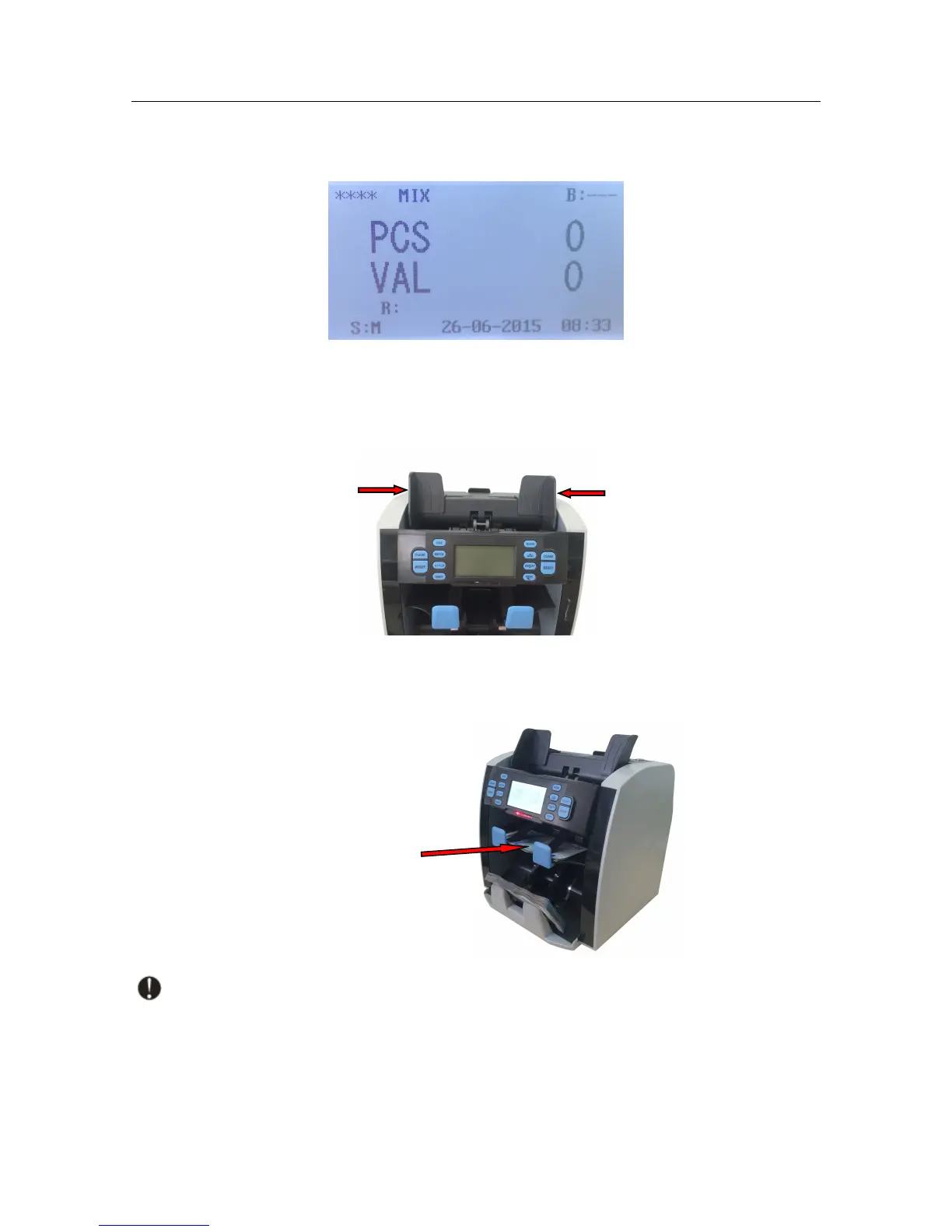
Before counting the banknotes, please adjust the left and right hopper guide to a suitable
position base on the length of the banknotes for smooth feeding.
Next place the well-prepared banknotes onto the hopper flatly and the machine will start
counting. The suspicious or unfit banknotes are rejected to the reject pocket.
Note: When an error is found, and causes the machine to stop automatically, please
re-count these banknotes.



 To Next Page