Operation Instruction
In order to avoid counting/detecting errors, the following banknotes should be handle before
counting:
① Keep the banknotes in order
② Straighten out the folded notes
③ Remove the wrinkled notes
④ Remove any stray foreign object from the note pack
⑤ Unwrap the fold corner and curved banknotes
Place the machine on a solid flat surface, ensure there is no strong electromagnetic field
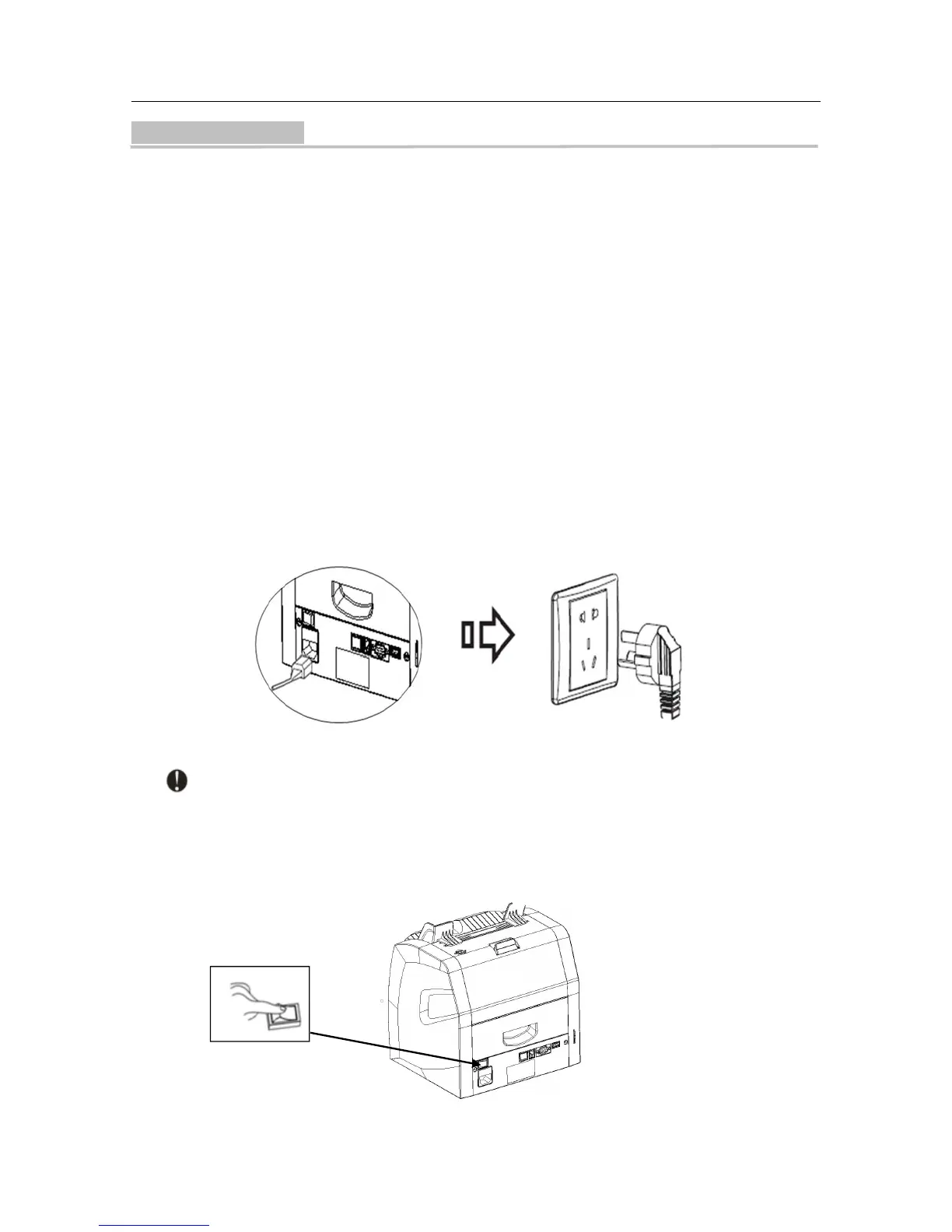
and strong sunshine around it. Then plug the electric socket into 100~240V AC electric source,
make sure all the connections are secure. If you have purchased an external display, connect it to
the RS232 interface on the back of the machine.
Note: In order to ensure personal safety, the electric socket shall be safety grounded.
Turn on the power switch, the machine will display the software version first, then perform a
self-test.
If the test is successful, the machine will enter ready state (See figure 1). If some error



 To Next Page