EasyManua.ls Logo

Dragon Touch DT50 - VOX; Power Saving

Dragon Touch DT50
13 pages
Print Icon
To Next Page IconTo Next Page
To Previous Page IconTo Previous Page
Loading...
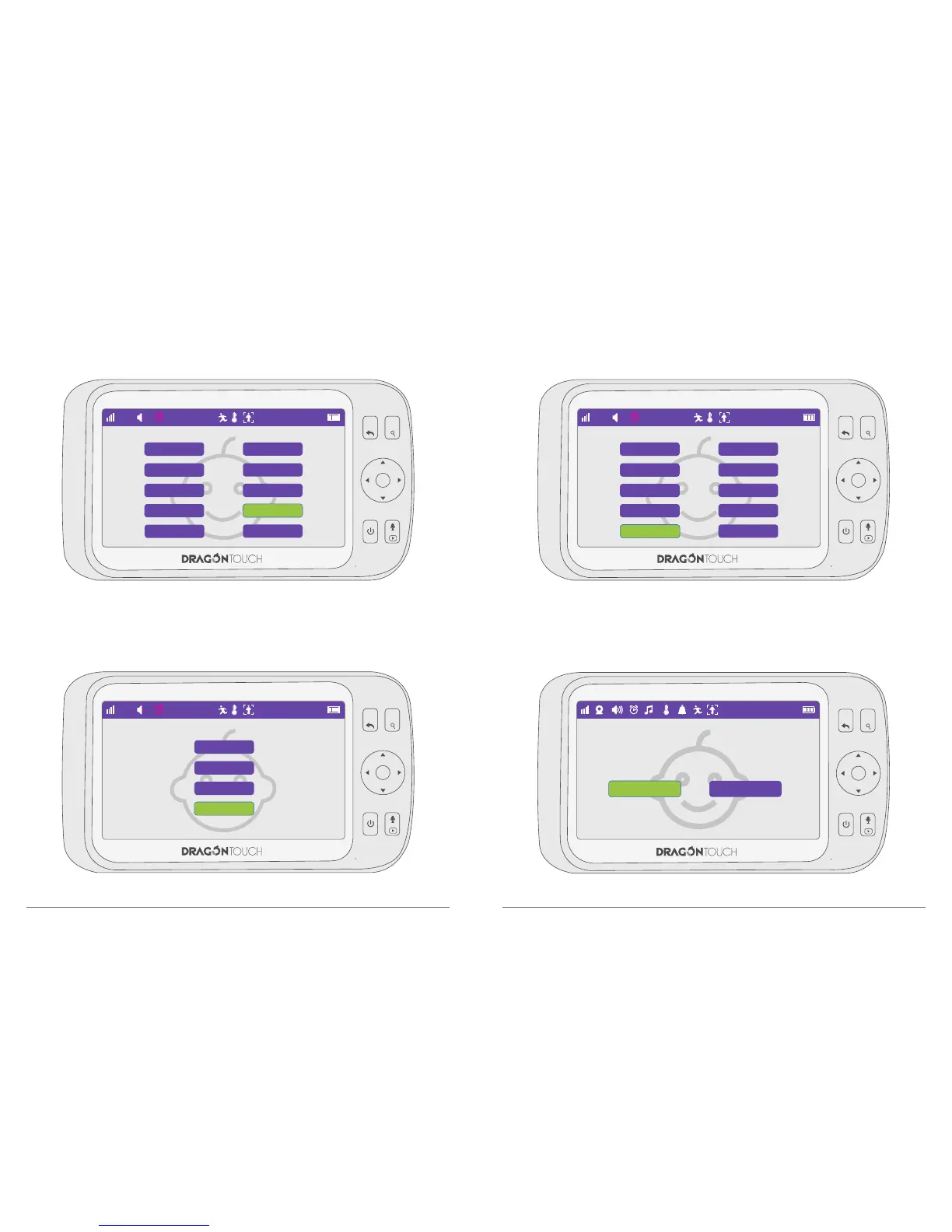
7.8. VOX
Choose “VOX” and press “OK” to confirm the option.
Choose “High, Middle, Low”to open the VOX function, you will hear alarm once any
abnormal sound or noise reached the corresponding decibel level.
7.9. Power Saving
Choose “Power Saving” and press “OK” to confirm the option.
MENU
OK
VOL+
VOL-
1
22°C
1
ON OFF
19
20
MENU
OK
VOL+
VOL-
22°C
Language Setting
Date & Time
Temp.°C/°F
Motion Detecting
Power Saving
Brightness Setting
Temp Setting
Frequency
VOX
Default Setting
15 : 11 : 06
MENU
OK
VOL+
VOL-
22°C
High
Middle
Low
OFF
15 : 11 : 06
MENU
OK
VOL+
VOL-
22°C
Language Setting
Date & Time
Temp.°C/°F
Motion Detecting
Power Saving
Brightness Setting
Temp Setting
Frequency
VOX
Default Setting
15 : 11 : 06

Related product manuals