16
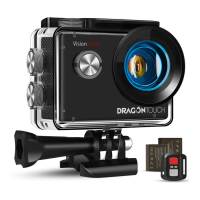
REMOTE
Video
To record a video, verify the camera is in Video mode.
To start recording:
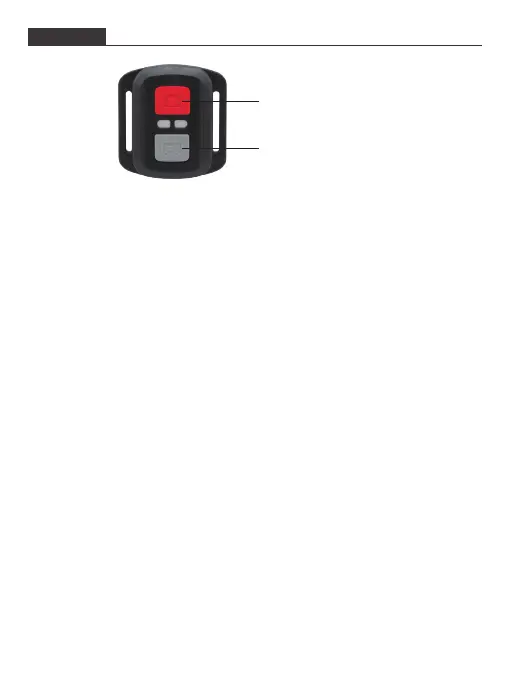
Press the gray Video Button. The camera will emit one beep, and the camera light
will flash while recording.
To stop recording:
Press the gray Video Button again. The camera will emit one beep, and the camera
light will stop flashing.
Photo
To capture a photo, verify the camera is in Photo mode.
To take a photo:
Press the red Photo Button. The camera will emit a camera shutter sound.
Photo Button
Video Button
Splashproof only, not waterproof
To pair the remote control with the camera, press any button on the remote control.


 To Next Page