– 9 –
6.6 Battery Test Function
Important: This product can be used to test batteries
of up to 9V.
1. Use the function dial (3) to select the battery
test function.
2. Touch the probe contacts against the contacts
of the battery, observing the correct polarity.
3. Read the value from the appropriate scale on
the gauge.
Important: If the reading is not appropriate for the
circuit, disconnect the probes from the circuit and
adjust the function dial to a more appropriate range.
6.7 Manual Zero Adjustment
The needle of the display gauge (2) should rest at the
far left of the scale when the device is not in use. If the
needle does not return to this position, it can be
manually adjusted by using a plain slot screwdriver to
rotate the manual zero adjustment screw (4).
Important: After adjusting the zero screw, test the device
to ensure that it delivers accurate readings and returns to
the zero position as appropriate.
6. Operating Instructions
Important: Disconnect the probes from the terminals
and any other source of voltage before performing any
maintenance on this product.
7.1 Maintenance and Storage
• Keep the product clean and free from dust, debris and
grease.
• Use a dry cloth ONLY to clean the housing of this
device.
CAUTION! DO NOT use abrasives, solvents or
other aggressive chemicals as these may
damage plastic or insulated parts.
• Replace the probes IMMEDIATELY if they are
damaged in any way or the conductors are exposed;
contact Draper Tools for replacement options.
Important: Replacement probes must be rated CAT II.
• If the fuse must be replaced, access the device circuit
board (see 6.1), remove the fuse from its holder and
install an equivalent fuse its place.
Important: This product requires a F200mA/250V
fuse.
• Remove the battery when storing the device for
extended periods.
• Store the device in a cool, clean and dry environment,
out of direct sunlight and out of reach of children.
7.2 Disposal
For spare parts, servicing, and repair and replacement
options, please contact the Draper Tools Product
Helpline for details of your nearest authorised agent.
Draper Tools will endeavour to hold any spare parts,
if applicable, for seven years from the date that it sells
the nal matching stock item.
Any servicing or repairs carried out by unauthorised
personnel or installation of spare parts not supplied by
Draper Tools will invalidate your warranty.
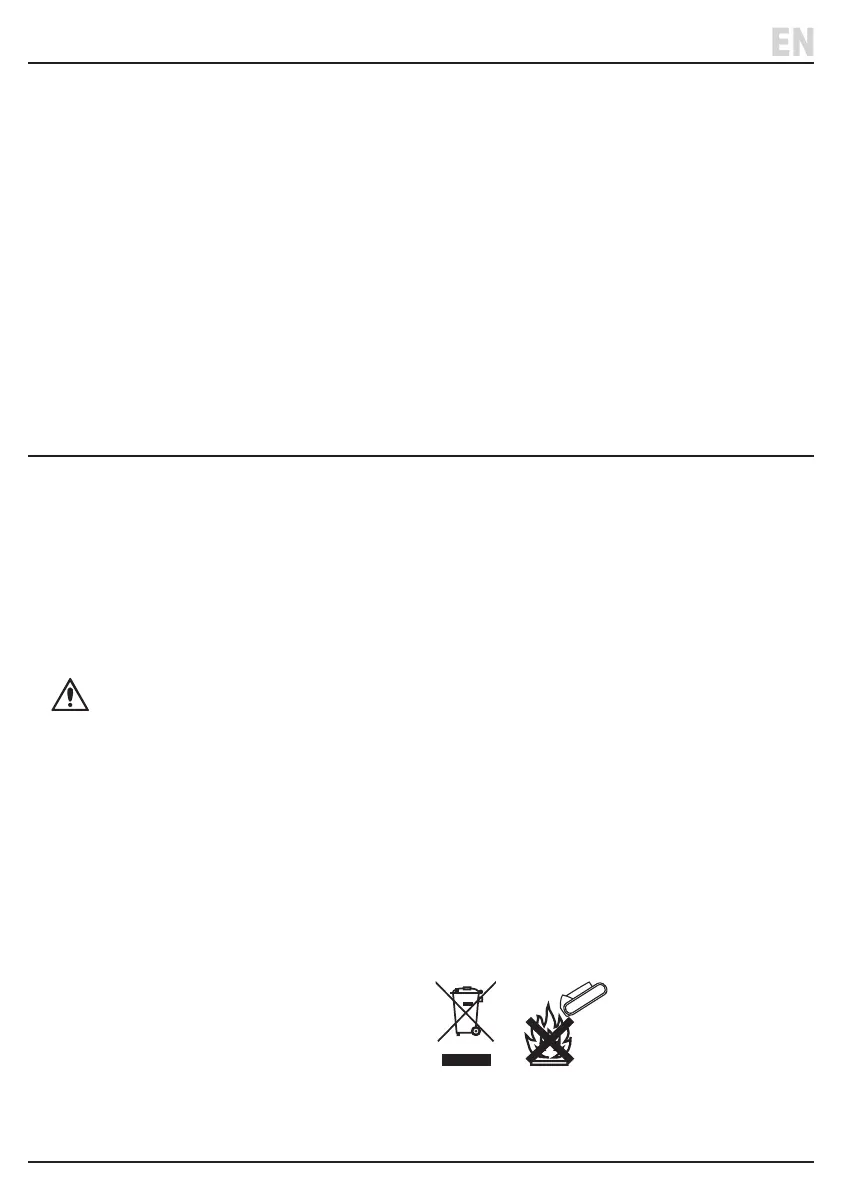
At the end of its working life, dispose of the product
responsibly and in line with local regulations.
Recycle where possible.
• DO NOT dispose of this product with domestic waste;
most local authorities provide appropriate recycling
facilities.
• DO NOT burn or mutilate batteries; this may release
toxic or corrosive substances.
• Dispose of batteries separately and in accordance
with local regulations.
7. Product Care and Disposal



 To Next Page