- 5 -
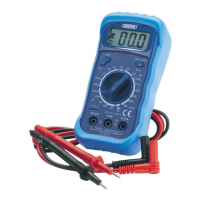
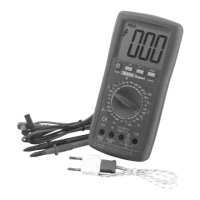
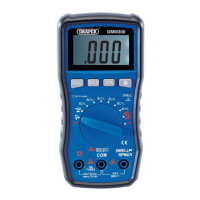
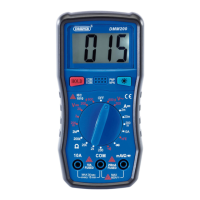
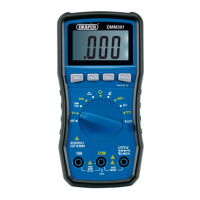
GETTING TO KNOW YOUR MULTIMETER
- OTHER METER MARKINGS
ASSEMBLY
Remove the rubber case. Turn the meter over and remove the screws holding the housing
together. Carefully part the front and back housing of the meter. Do not touch any of the internal
components. Insert the appropriate battery taking note of the polarity. Close the housing (do not
force) and resecure. The internal fuse can be replaced in the same manner.
To ensure an accurate reading, ensure the test probe are fully engaged.
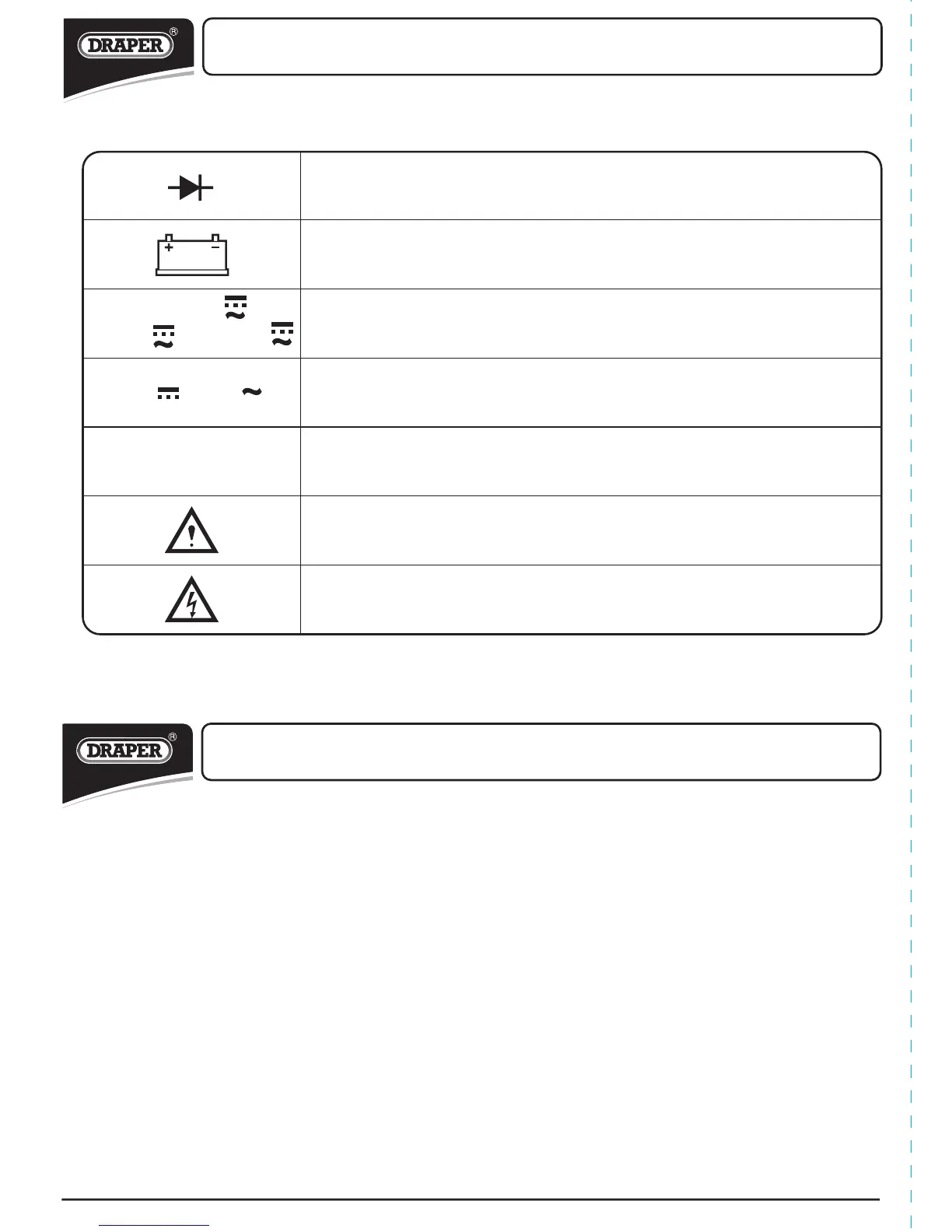
Diode check.
Indicates that the meter battery voltage has dropped excessively.
Units of measuring current (AMPS).
Units of measuring voltage (VOLTS).
Units of measuring resistance (OHMS).
Caution.
Risk of electric shock.
10A
mA
µA
V
V


 To Next Page