60
Gentier Real-Time PCR System
7.5 Run Monitoring interface
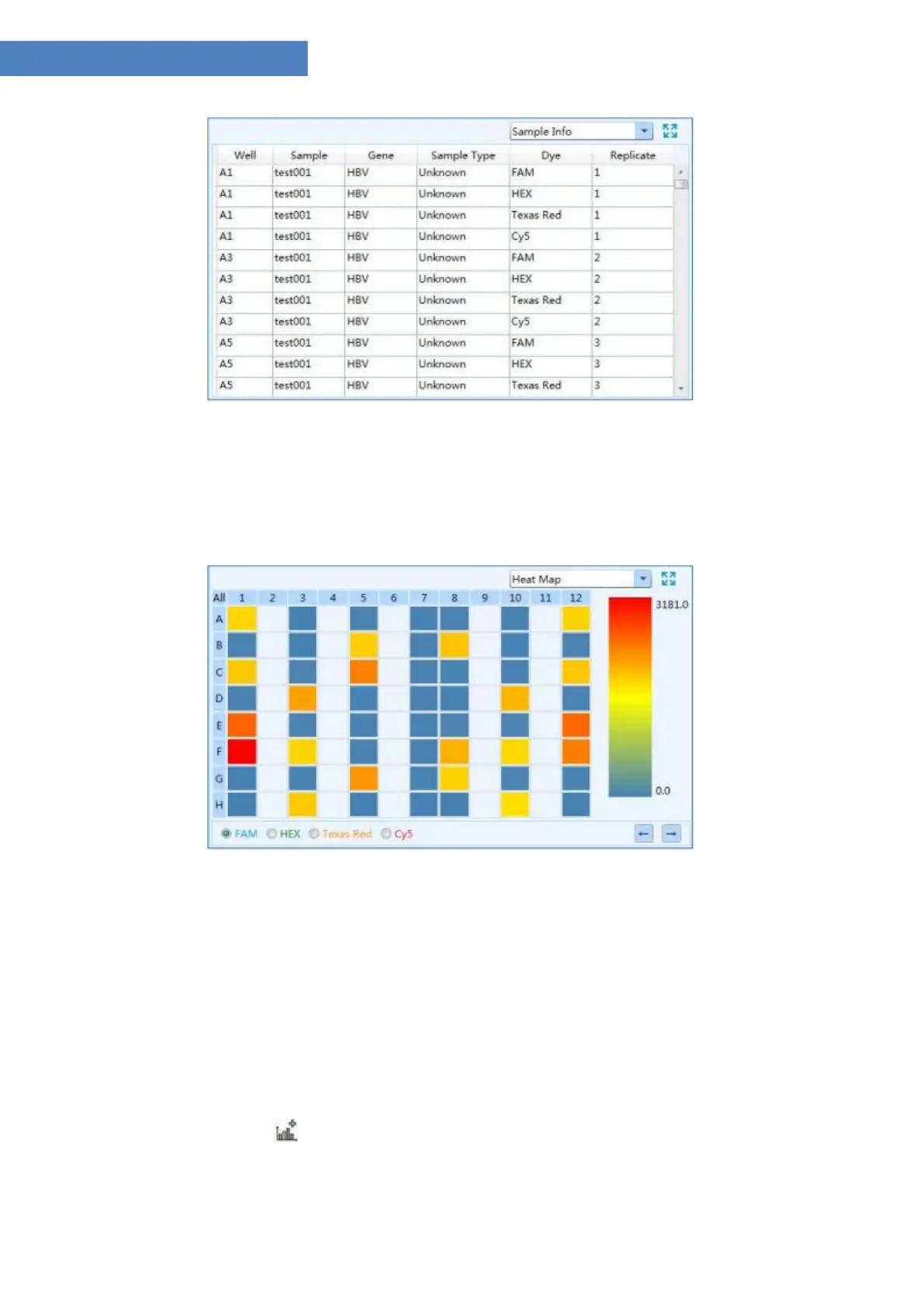
Sample Info function module
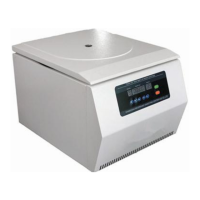
6. Heat Map: display the real time fluorescence heat map of the current running experiment,
as shown in figure D 7.6.
Figure D-7.6 Run Monitoring interface - Heat Map function module
3.3.4 Analysis
After experiment running, user can click the Analysis tab to enter the analysis interface.
According to the experiment settings and requirements, user shall first select the suitable data
analysis method for the current experiment on this interface.
▶ User can click < New Analysis > icon in Tool Bar and the application software will
automatically pop up the new analysis window, as shown in figure D-8.



 To Next Page