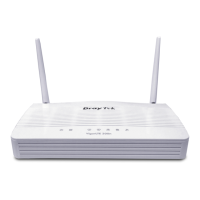
Vigor2800 Series User’s Guide
165
If a PPP-based service is selected, you should further specify the remote peer IP
Address, Username, Password, and VJ Compression for this Dial-In connection.
7. At last, set the remote network IP/subnet in TCP/IP Network Settings so that Router
B can direct the packets destined to the remote network to Router A via the VPN
connection.


 To Next Page
 Loading...