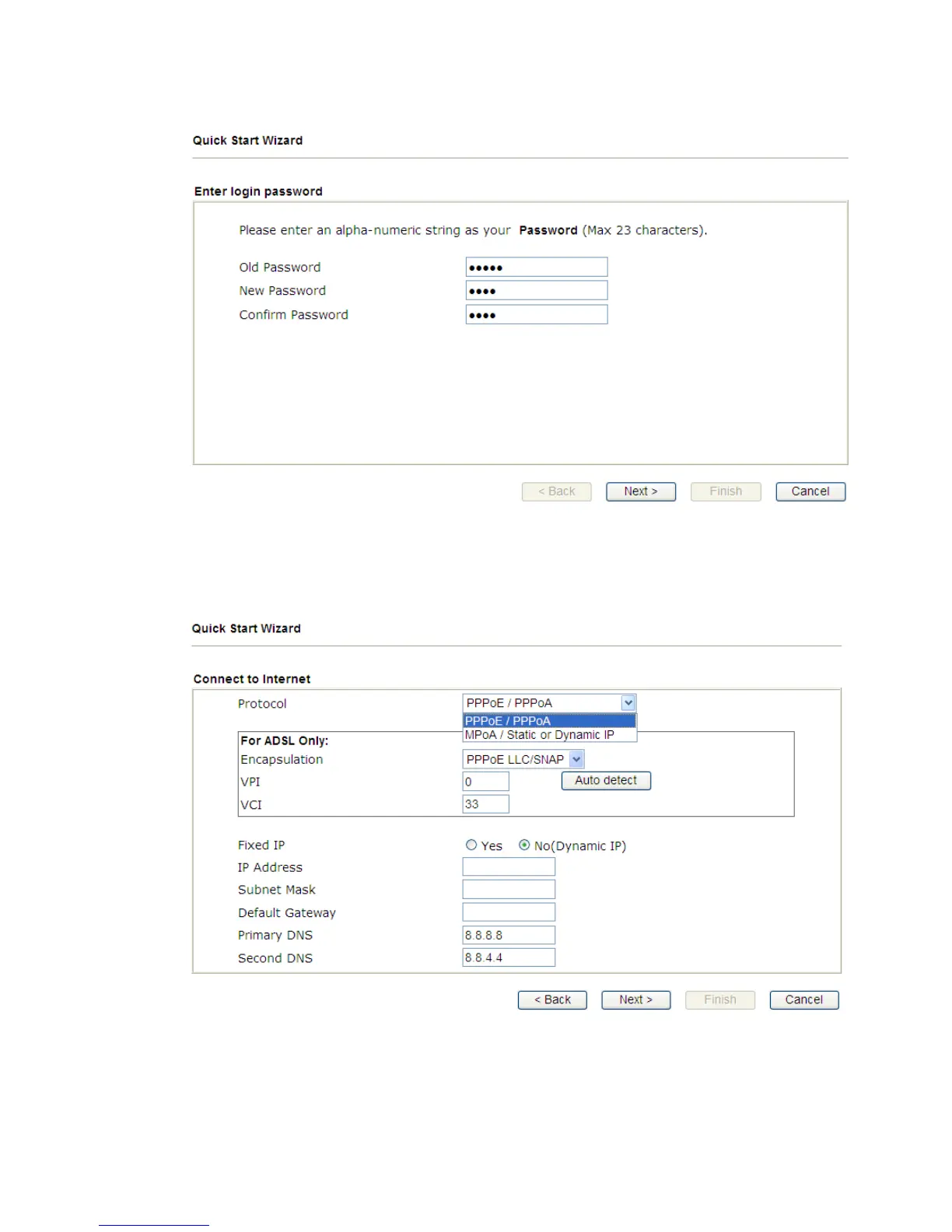
4. Enter the new login password on the field of New Password and retype it on
the field of Confirm Password. Then click Next to continue.
5. On the next page as shown below, please select the appropriate Internet
access type (Protocol) according to the information from your ISP. Then
click Next for next step.
Note: Encapsulation for PPPoE/PPoA contains PPPoE and PPoA;
encapsulation for MPoA/Static or Dynamic IP contains 1483 Bridged IP and
1483 Routed IP.



 To Next Page