z
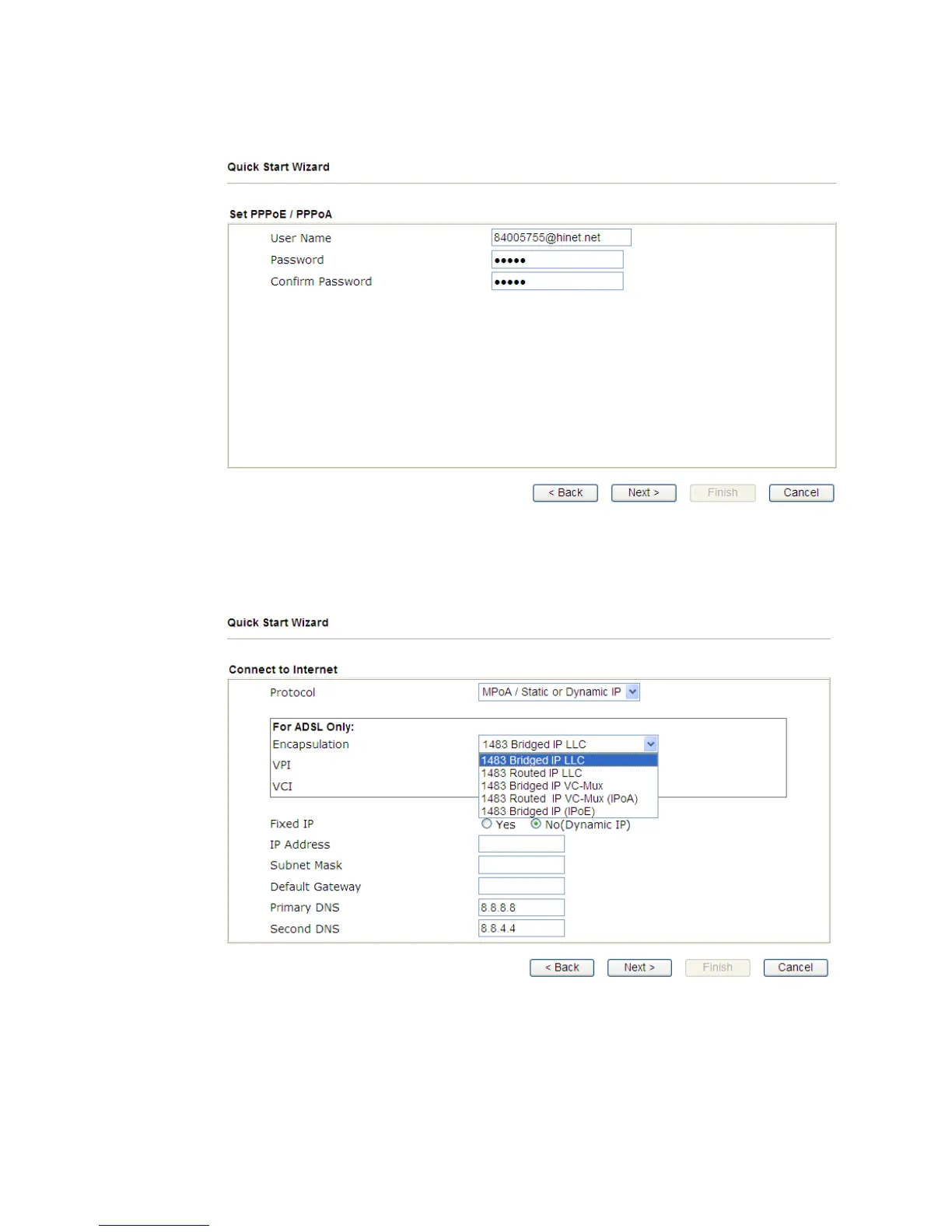
PPPoE or PPPoA: if you click PPPoE or PPPoA as the protocol and
click Next, please manually enter the Username/Password provided by
your ISP. Then click Next.
z 1483 Bridged: if you click 1483 Bridged, you will get the following
page. Please type in all the information originally provided by your ISP.
Then click Next for next step.



 To Next Page