Vigor2760 Series Quick Start Guide
iii
T
T
a
a
b
b
l
l
e
e
o
o
f
f
C
C
o
o
n
n
t
t
e
e
n
n
t
t
s
s
1. Introduction ........................................................................................1
1.1 Panel Explanation........................................................................................... 2
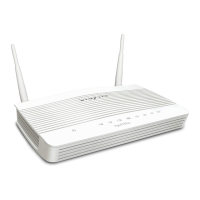
1.1.1 For Vigor2760 ................................................................................... 2
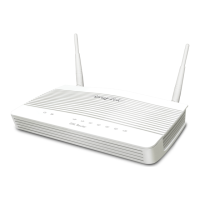
1.1.2 For Vigor2760n ................................................................................. 4
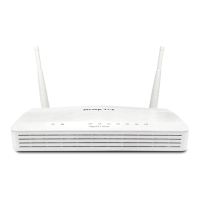
1.1.3 For Vigor2760Vn............................................................................... 6
1.2 Package Content............................................................................................ 8
2. Installing Your Router ........................................................................9
2.1 Hardware Installation...................................................................................... 9
2.2 Printer Installation..........................................................................................11
3. Quick Setup ......................................................................................19
3.1 Accessing Web User Interface...................................................................... 19
3.2 Basic Configuration – Quick Start Wizard..................................................... 20
3.2.1 For WAN1 (ADSL/VDSL2) .............................................................. 22
3.2.2 For WAN2 (Ethernet) ...................................................................... 26
3.2.3 For WAN3 (USB) ............................................................................ 34
3.3 Wireless Configuration.................................................................................. 36
3.3.1 Basic Wireless LAN Concept .......................................................... 36
3.3.2 Wireless Wizard.............................................................................. 37
4. Trouble Shooting..............................................................................39
4.1 Checking If the Hardware Status Is OK or Not.............................................. 39
4.2 Checking If the Network Connection Settings on Your Computer Is OK or Not
........................................................................................................................... 40
4.3 Pinging the Router from Your Computer....................................................... 43
4.4 Checking If the ISP Settings are OK or Not.................................................. 44
4.5 Problems for 3G Network Connection .......................................................... 44
4.6 Backing to Factory Default Setting If Necessary........................................... 45
4.7 Contacting DrayTek ...................................................................................... 46






 To Next Page
