Vigor2910 Series User’s Guide
67
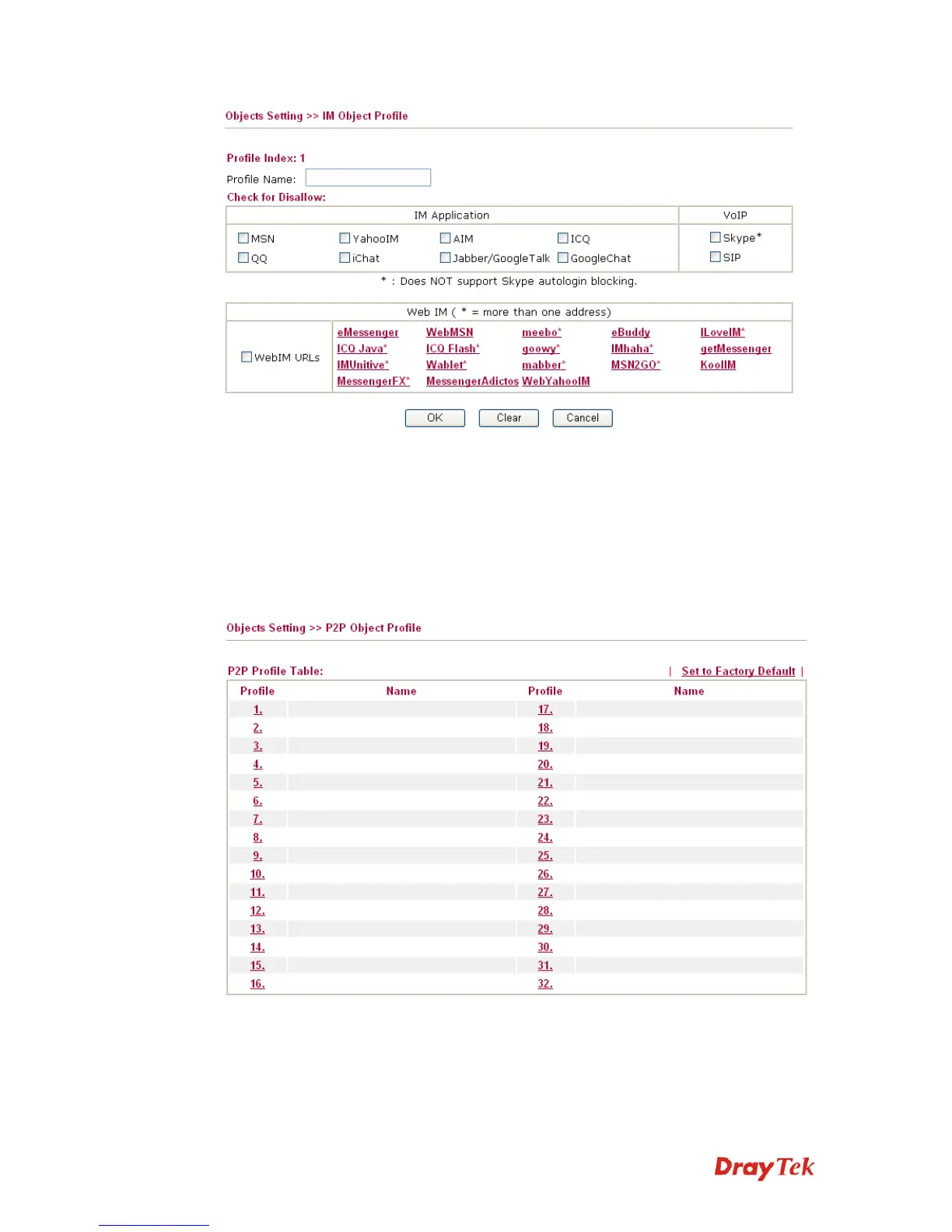
Profile Name Type a name for the CSM profile.
Check for Disallow Check the items that disallow to use. Any device that uses
such profile might not be allowed to access into the forbidden
items.
3
3
.
.
4
4
.
.
6
6
P
P
2
2
P
P
O
O
b
b
j
j
e
e
c
c
t
t
You can define policy profiles for P2P (Point-to-Point) application. The object profile(s)
configured here will be seen and adopted in CSM>>IM/P2P Filter Profile page.
Set to Factory Default Clear all profiles.
Click the number under Index column for settings in detail.











 To Next Page