Vigor2912 Series Quick Start Guide
15
3
3
.
.
I
I
n
n
i
i
t
t
i
i
a
a
l
l
S
S
e
e
t
t
t
t
i
i
n
n
g
g
s
s
To access Internet, please finish basic configuration after completing the
hardware installation.
3
3
.
.
1
1
A
A
c
c
c
c
e
e
s
s
s
s
i
i
n
n
g
g
W
W
e
e
b
b
P
P
a
a
g
g
e
e
1. Make sure your PC connects to the router correctly.
Notice: You may either simply set up your computer to get IP
dynamically from the router or set up the IP address of the
computer to be the same subnet as the default IP address of
Vigor router 192.168.1.1. For the detailed information, please
refer to the later section - Trouble Shooting of this manual.
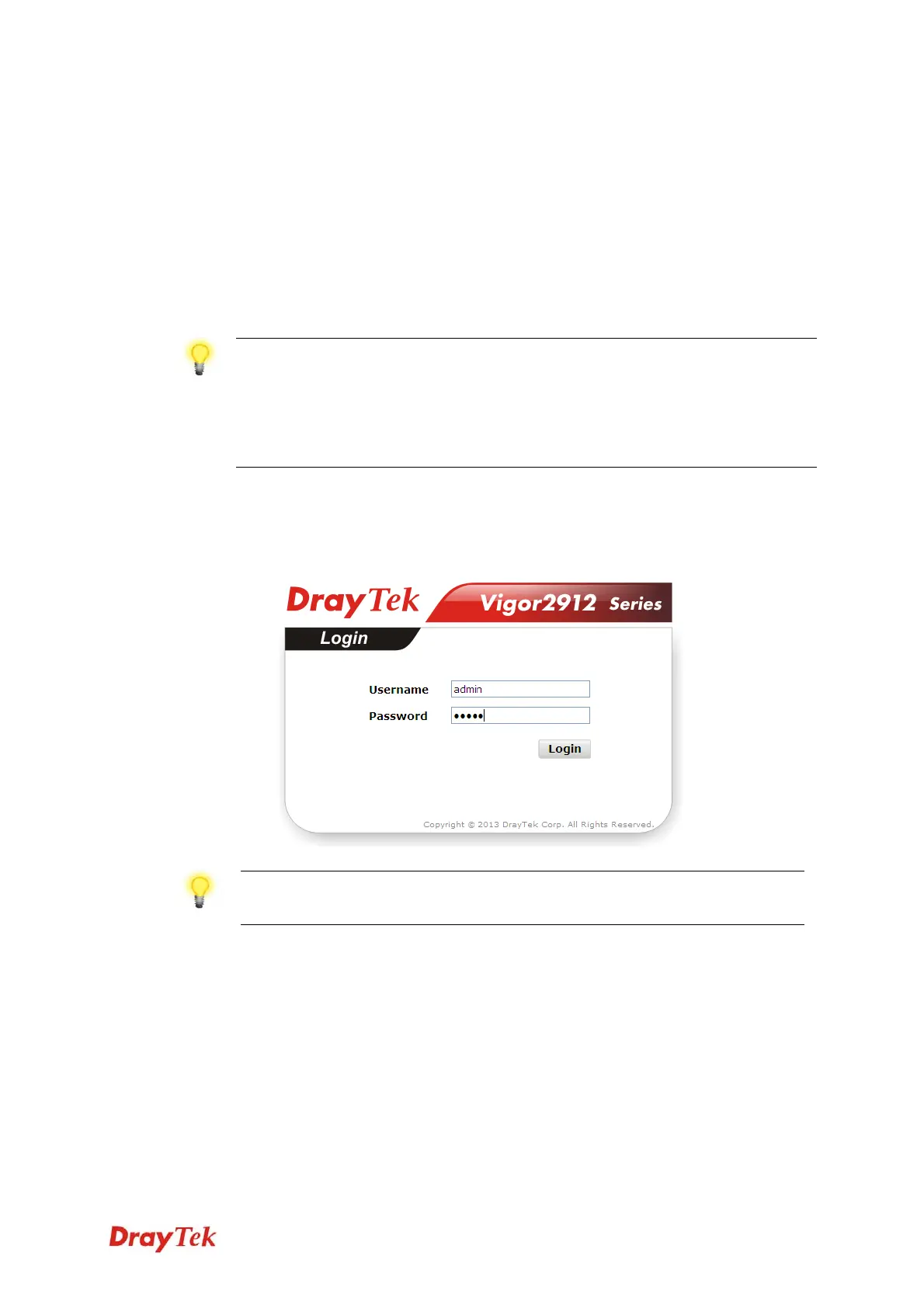
2. Open a web browser on your PC and type http://192.168.1.1. The
following window will be open to ask for username and password.
Please type “admin/admin” on Username/Password and click Login.
Notice: If you fail to access to the web configuration, please go
to “Trouble Shooting” for detecting and solving your problem.
3. Now, the Main Screen will pop up.


 To Next Page
 Loading...









