8
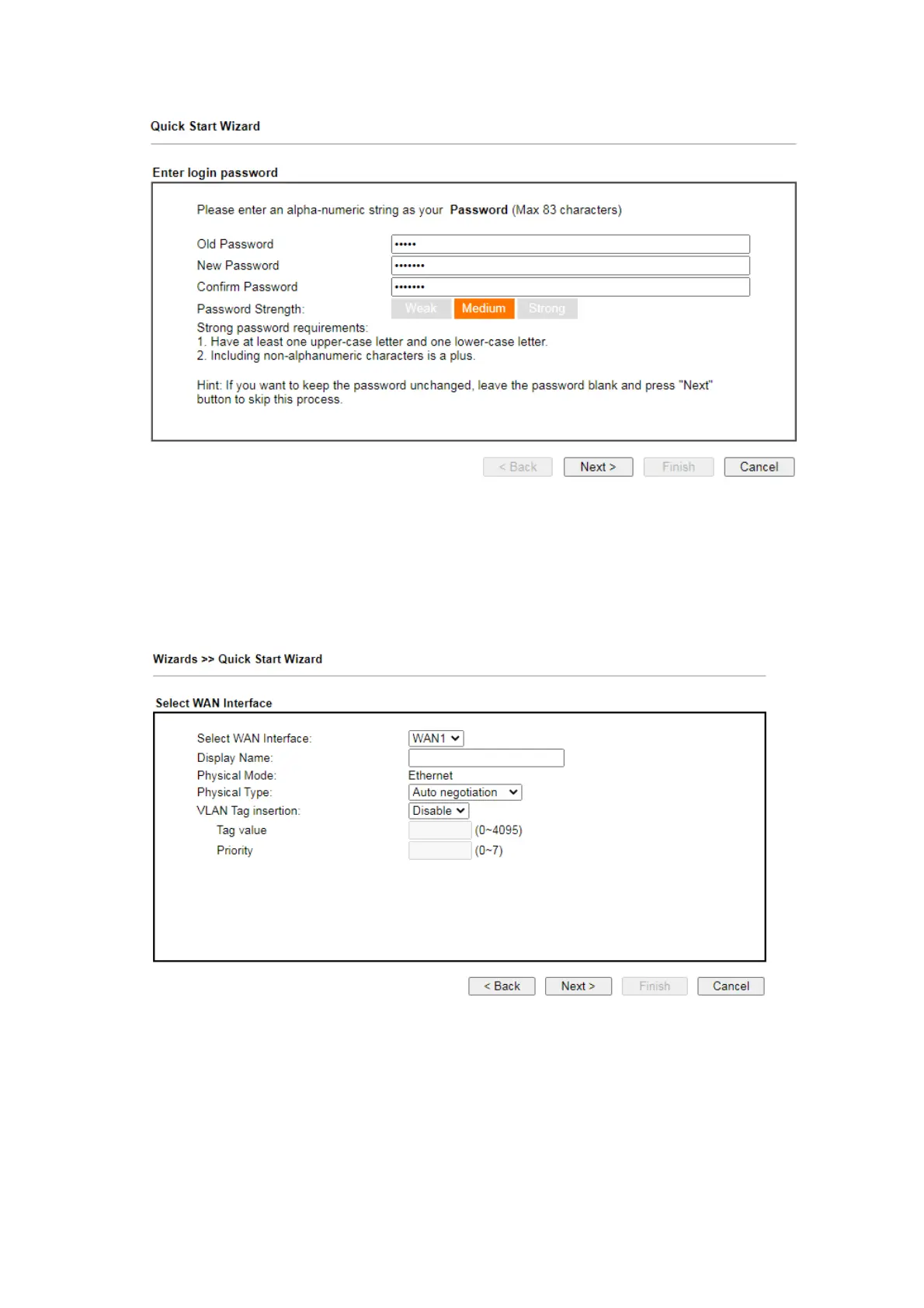
On the next page as shown below, please select the WAN interface that you use.
If Ethernet interface is used, please choose WAN1 or WAN2; if wireless 2.4G/5G
connection is used, please choose WAN3 or WAN4; if 3G USB modem is used,
please choose WAN5 or WAN6. Then click Next for next step. Each WAN interface
will bring up specific configuration page.
Click Next. You have to select the appropriate Internet access type (PPPoE, PPTP,
L2TP, Static IP or DHCP) according to the information from your ISP.
Here we take PPPoE and DHCP modes for WAN connection as examples.













 To Next Page