10
EN
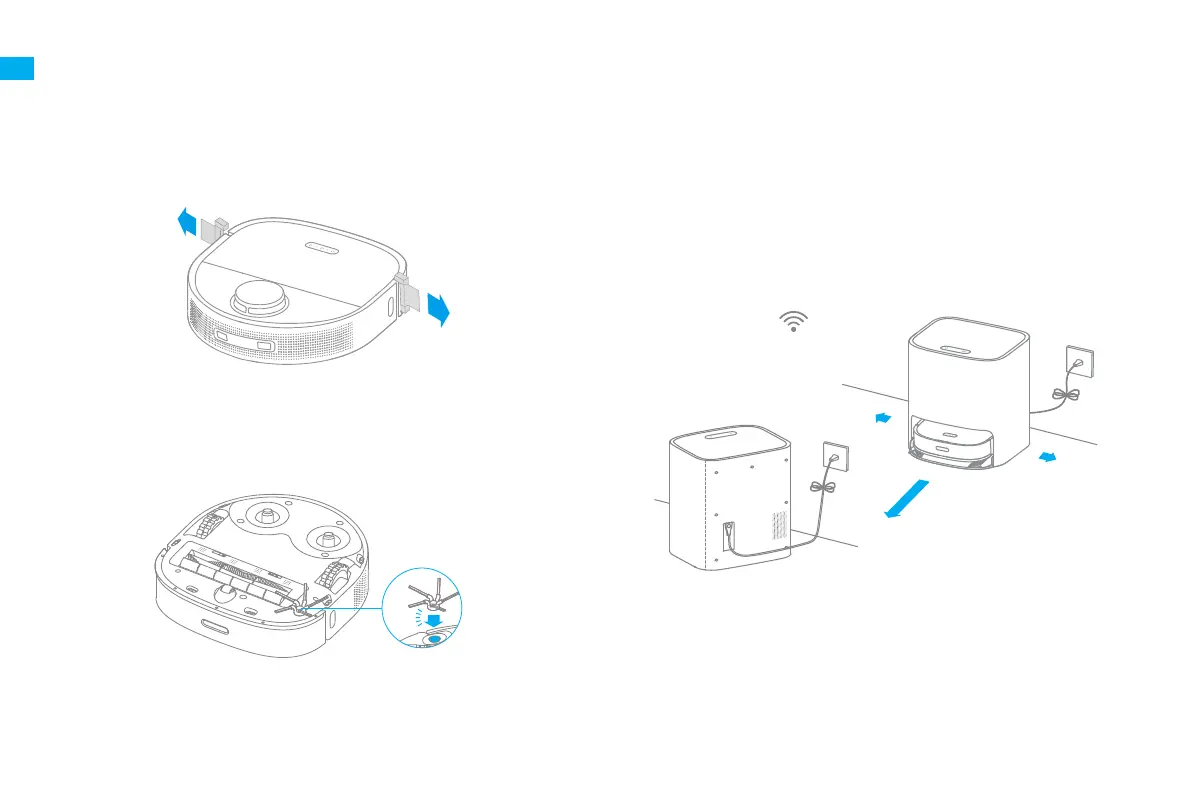
1. Remove the protective strips
2. Install the side brush
Preparations Before Use
Note: Install the side brush until it clicks into place.
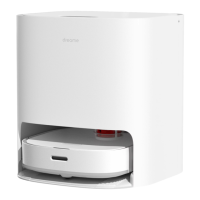
3. Place the base against the wall and charge the robot
Note:
·
Remove any objects that are closer than 1.5 m from the front and 0.5 m from either
side of the base.
·
Make sure that no objects might block the signaling area.
>1.5m
>
0
.
5
m
>
0
.
5
m
Within the Best
Wi-Fi Range
·
Install the base in as open a location as possible with a good Wi-Fi signal.
·
Insert the power cord into the base and plug it into the socket.
·
Place the robot onto the base, and the robot will trun on automatically and
start charging.
·
It is recommended to fully charge the robot before the first use. After the
robot is fully charged, the status indicator illuminates white for 10 minutes
and then lights down.
Click


 To Next Page
 Loading...