10 11
ENEN
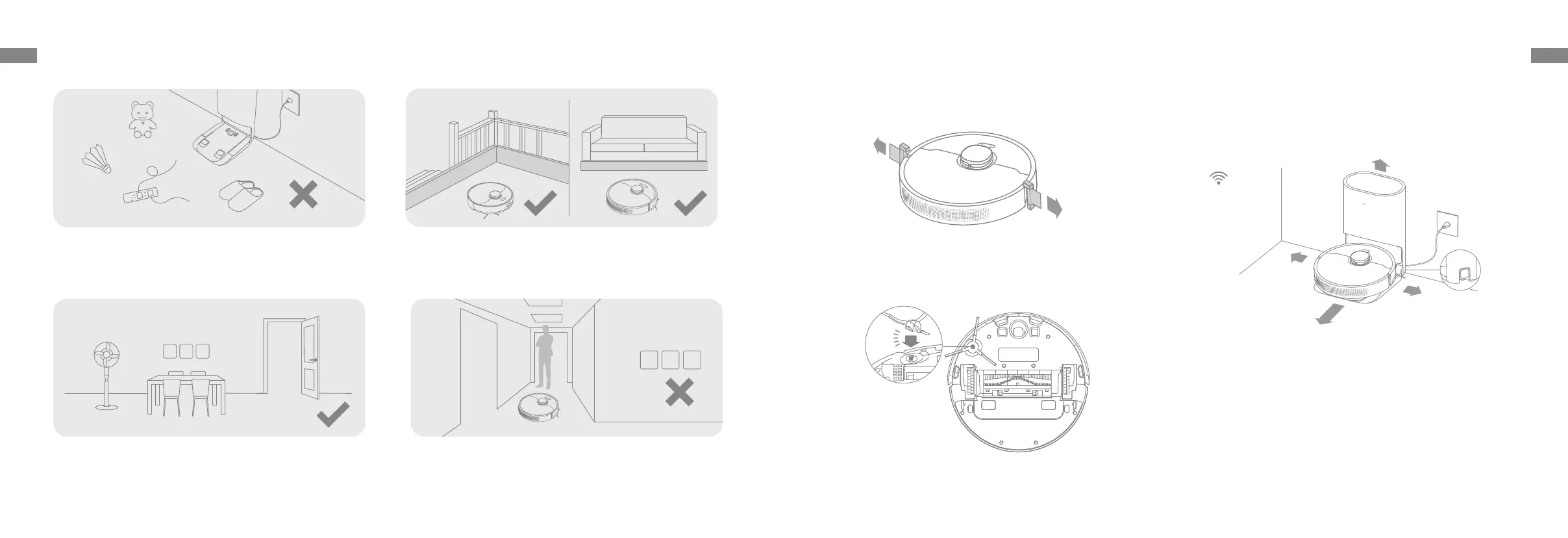
1. Remove the protective strips 3. Connect to a power outlet and start charging
2. Install the side brush
Click
Preparation Before Use
Note:
• Keep the immediate area 1.5 m in front of the base and 0.5 m to its both sides
clear of objects.
• Make sure that no objects might block the signaling area.
Note: Install the side brush until it clicks into place.
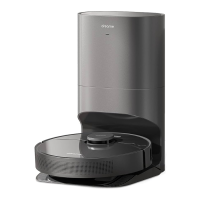
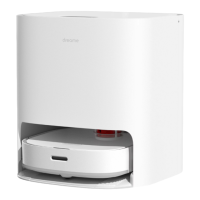
Place the base on level ground against the wall and connect it to a power
outlet. Place the robot onto the base to charge. The robot will turn on
automatically and begin charging. It is recommended to fully charge your
robot before rst-time use.
About the Auto-Empty Base
> 12"
> 20"
> 20"
> 60"
Clearing Home Environment
To improve the working eciency of your robot, put away any loose cords ,
rags, slippers, toys, etc.
Open the door of the room to be cleaned, and put the furniture in its
proper place to make more space.
To prevent the robot from not recognizing the area that needs to be
cleaned, do not stand in the front of the robot, threshold, hallway, or
narrow places.
Before cleaning, place a physical barrier at the edge of the stairs and
sofa to ensure safe and smooth operation of the robot.


 To Next Page