11
How to Use
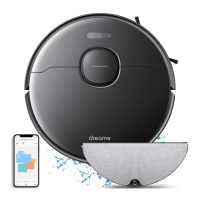
9. Use the mopping function
It is recommended that all oors are vacuumed at least three times before
the rst mopping session to achieve better cleaning eect.
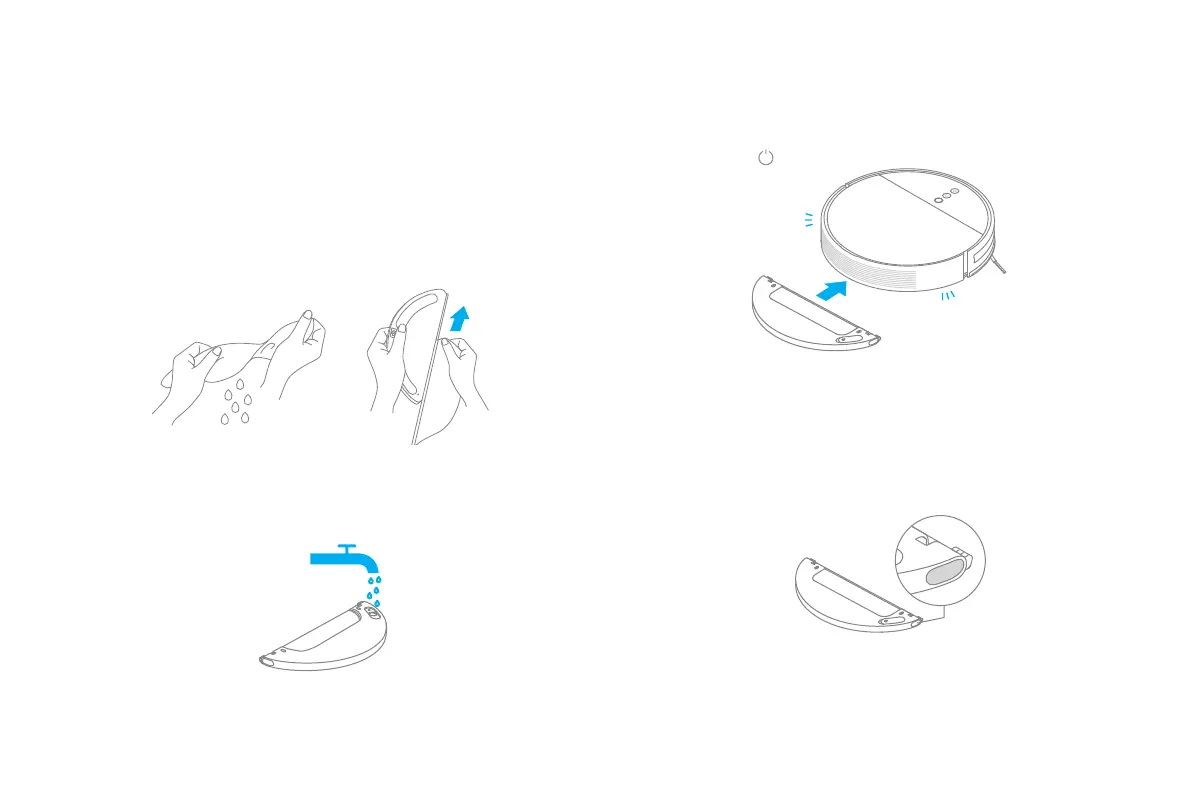
③ Install the mopping module: Align the mopping module as indicated by
the arrow, then slide it into the back of the vacuum until it clicks into place.
Press the button or use Mi Home/Xiaomi Home app to start cleaning.
Note:
• Only use the mopping module when someone is at home.
• To prevent the vacuum-mop from entering carpeted areas, objects may be used.
• Use the app to adjust the water ow as required.
④ Press the two side clips inwards and slide the water tank backwards to
separate it from the robot.
Note: When the vacuum-mop is charging or not in use, remove the mopping module,
pour out all remaining water in the tank, and clean the mop pad to prevent mildew or
lingering odors.
① Install the mop pad: Dampen the mop pad and wring out excess water.
Slide the pad all the way into the slot of the water tank until it is securely in
place.
② Fill the water tank: Open the water tank lid, ll the tank with water, then
securely close the lid.
Note: Do not use non-designated detergents or disinfectants.


 To Next Page