7
Preparation
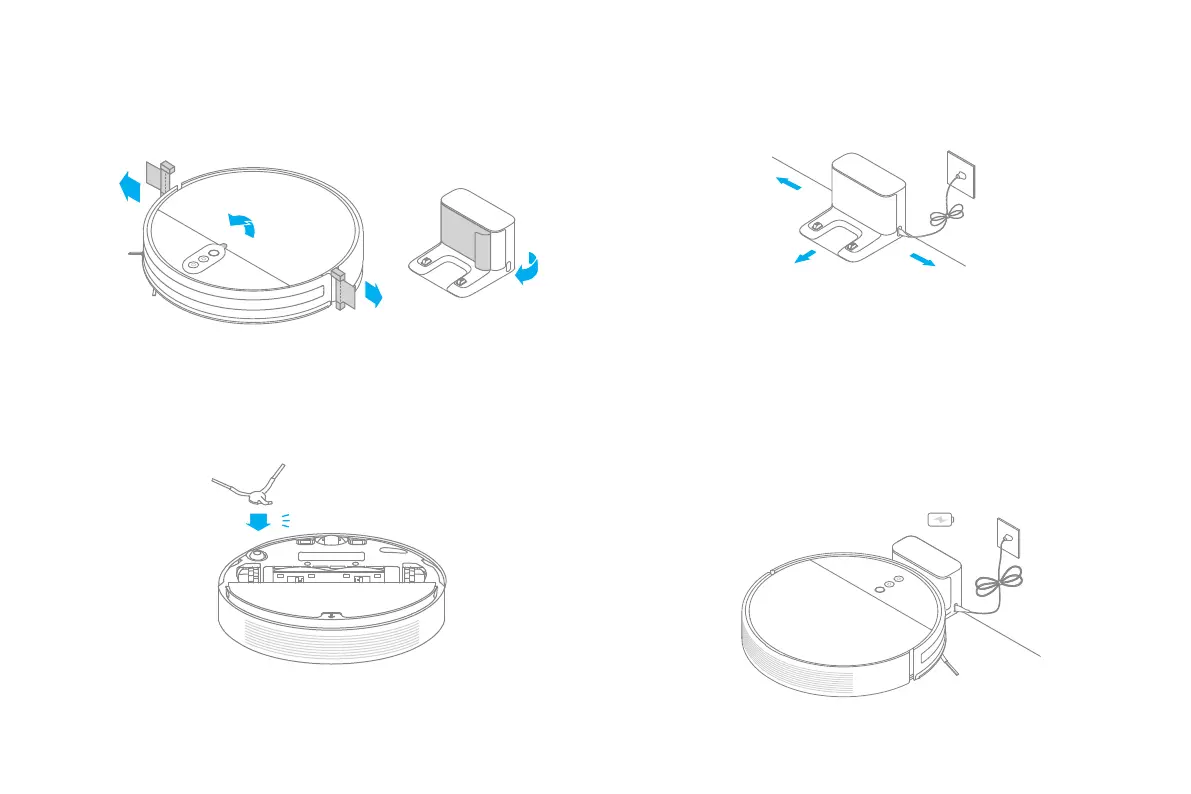
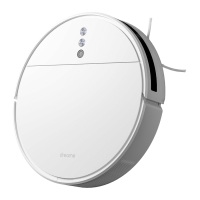
2. Install the side brush.
Note:
• Fully charge before rst use.
• Don't install the mopping module while charging.
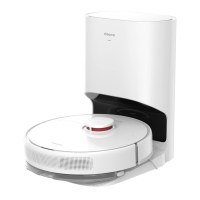
4. Place the robot onto the charging dock to recharge.
Battery Level Indicator
White: Battery level is more than 15%
Orange: Battery level is less than 15%
≥6h
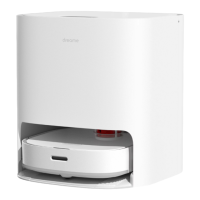
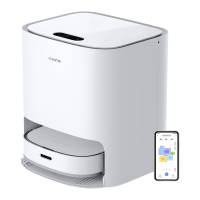
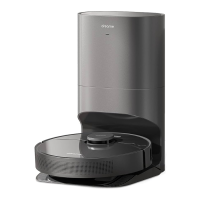
3. Place the charging dock on the level ground against wall and connect to a
power outlet.
Note:
• Make sure there is a distance of 0.5 meters or more on either side of the charging dock, and
more than 1.5 meters in front of it.
• Tidy up any loose cord which could accidentally move or unplug the charging dock.
• To ensure you can well connect to the vacuum-mop with your phone, make sure the
vacuum-mop and charging dock are in the range of Wi-Fi.
• Do not place the charging dock in an area with direct sunlight or where other objects could
block its signaling area, as this may hinder the vacuum-mop from returning to the charging
dock.
>0.5m
>0.5m
1. Remove the protective lm.


 To Next Page