8
Connecting with Mi Home/Xiaomi Home App
This product works with Mi Home/Xiaomi Home app *.
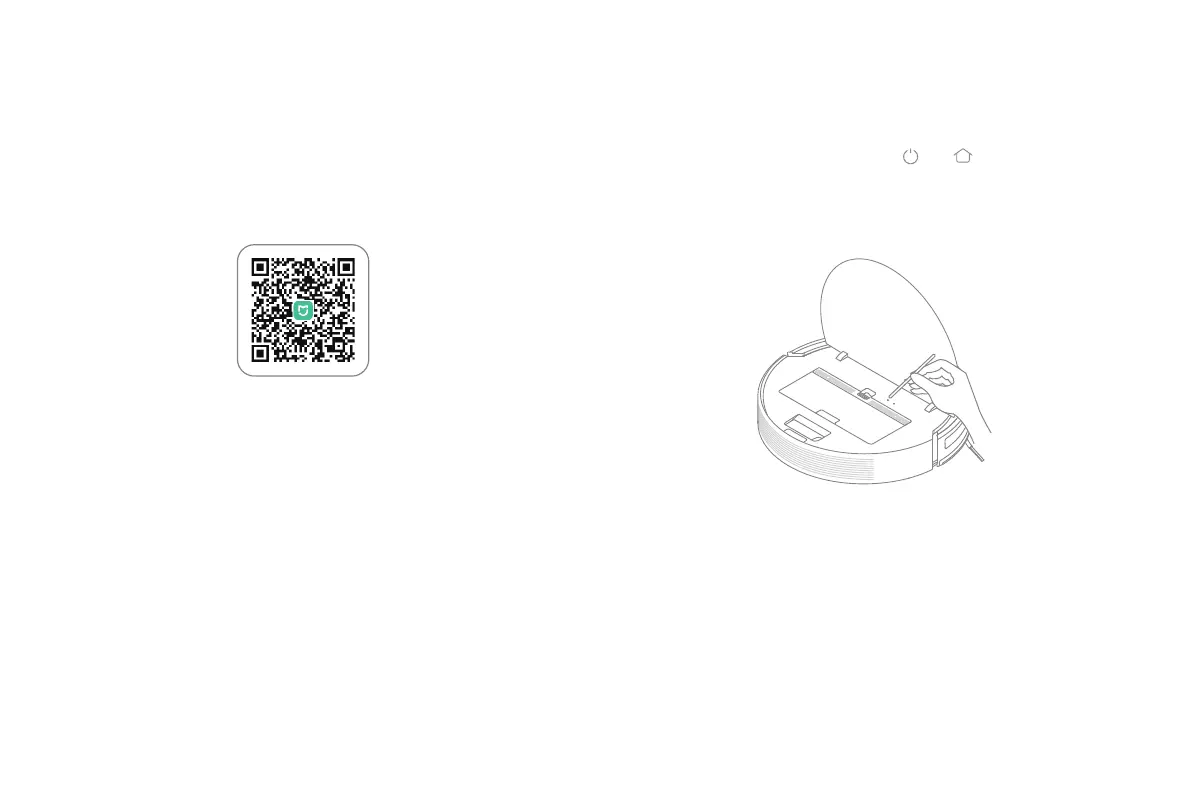
Scan the QR code to download and install the app.
You will be directed to the connection setup page if the app is installed
already.
Or search "Mi Home/Xiaomi Home" in the app store to download and
install it.
Open Mi Home / Xiaomi Home app, tap "+" on the upper right, and then
follow prompts to add your device.
Note: The version of the app might have been updated, please follow the instructions
based on the current app version.
Reset Wi-Fi
Simultaneously press and hold the buttons and until you hear a
voice saying "Waiting for the network conguration".
Once the Wi-Fi indicator is slowly blinking, the Wi-Fi has been successfully
reset.




 To Next Page