14
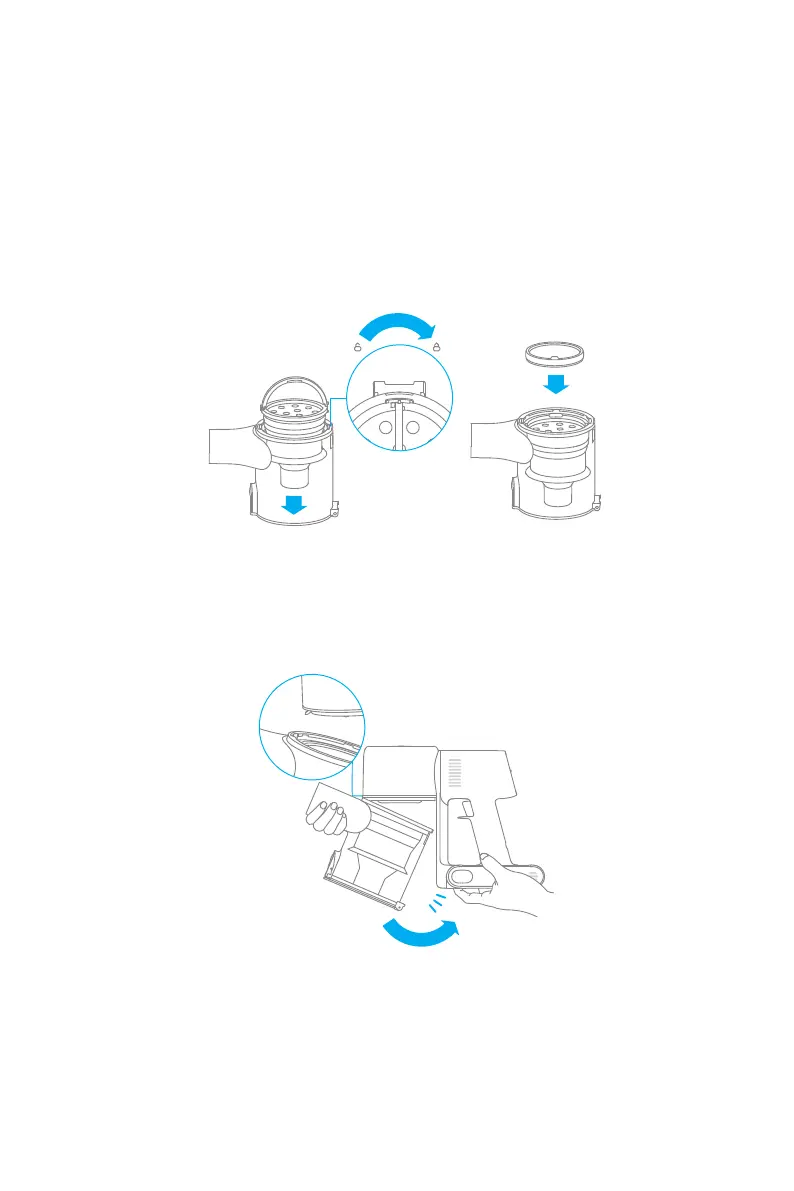
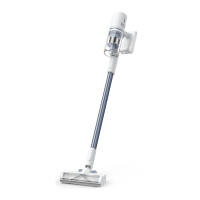
Installing the Dust Cup, Pre-Filter, and Cyclone Assembly
1. Insert the cyclone assembly vertically into the dust cup, and make sure that the handle
of the cyclone assembly line up with the slot on the left side of the dust cup. Turn the
handle clockwise until it locks, then ip the handle down.
2. Place the pre-lter with its front side facing up into the cyclone assembly.
3. Slightly tilt the dust cup so the slot aligns with the clip on the vacuum. Then gently push
the dust cup until it clicks into place.
3
1
2
3
Care & Maintenance



 To Next Page