Do not
engage the shaft lock while the tool is running.
Insert the bit or accessory shank fully into the
EZ TWIST INTEGRATED WRENCH
Aq
Do not engage
the shaft lock while the tool is running.
Insert the bit or accessory shank fully into the
DREMEL CHUCK 4486
Do not
engage the shaft lock while the tool is running.
accessory into the chuck far enough so that there is
HELPFUL TIPS WHEN USING THE DREMEL
CHUCK
• The Dremel chuck and the collet and collet nut
provide a more precise accessory holding solution
•
•
causing the accessory to no longer run true and
Turn the tool by hand and observe if there is any
With the shaft lock engaged, tighten the chuck
using the EZ Twist nose cap or wrench to
secure the accessory.
check that the accessory is straight before repeating
BALANCING ACCESSORIES
slightly loosen collet nut and give the accessory or
You should be able to tell by the sound and feel if your
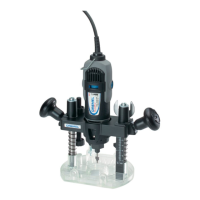
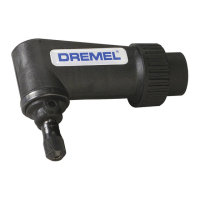
ATTACHMENTS
•
225
• Comfort guard attachment to protect you from dust
550
• Multipurpose cutting kit for controlled cutting in a
565/566
•
568
•
575
•
576
• Detailer’s grip to have even better control of the
577
•
675
• Line & circle cutter to make perfect holes and
678
•
*) When using a new exible shaft for the rst time,
keep it in a vertical position for two minutes with the
tool running at high speed.
NOTE: Not all attachments listed above are standard
included with the tool/kit
USE
DREMEL APP CONNECTIVITY
•
• Install the Dremel App on the smart device or
make sure you are running the latest version of
• Launch the Dremel App on the smart device and
click on “Connect My Tool” in the “My Dremel”
•
•
23


 To Next Page