SKU 93440 For technical questions, please call 1-800-444-3353. Page 9
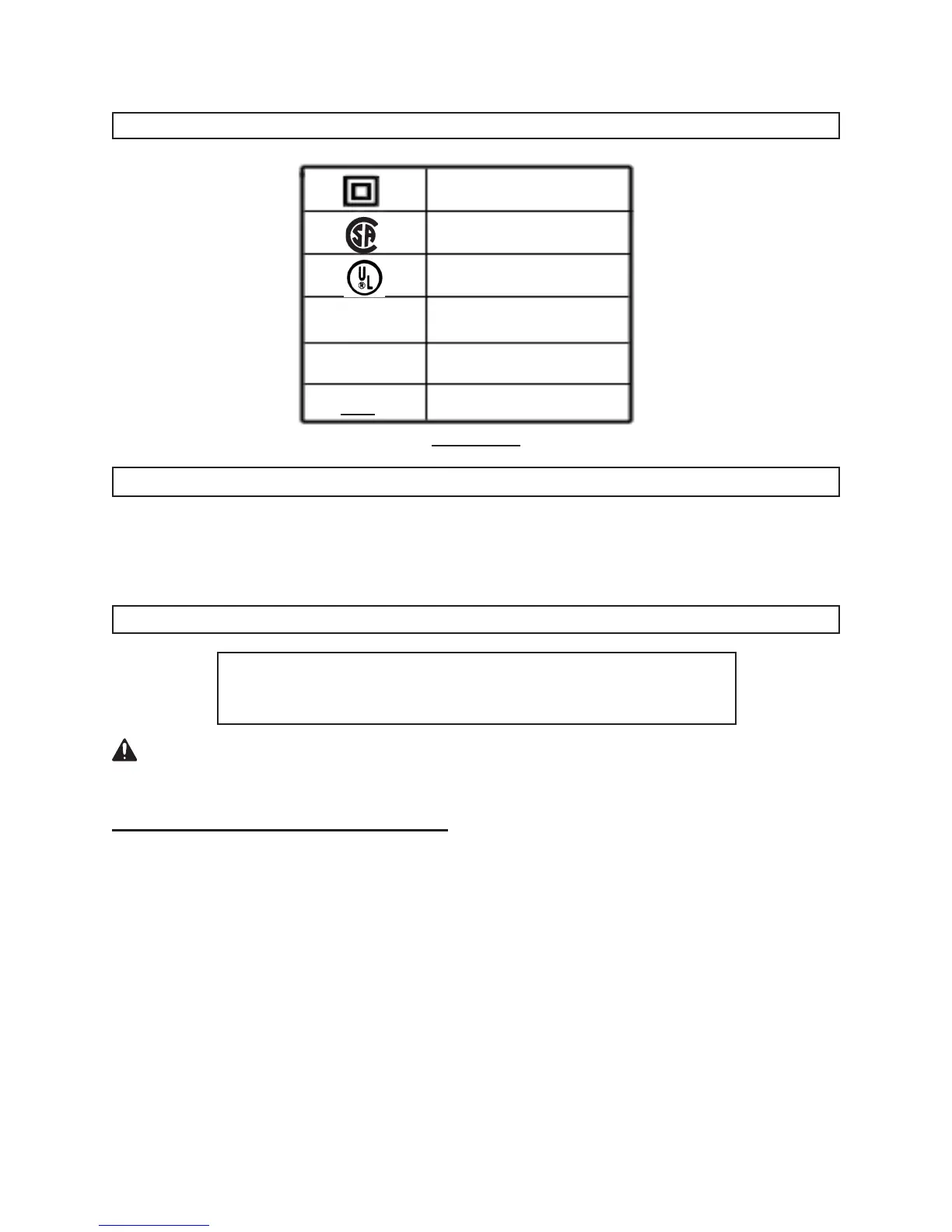
SYMBOLOGY
Double Insulated
Canadian Standards
Association
Underwriters
Laboratories, Inc.
Volts Alternating Current
Amperes
No Load Revolutions
per Minute (RPM)
no
xxxx/min.
A
V ~
FIGURE D
UNPACKING
When unpacking, check to make sure all the parts shown on the Parts List on page 14
are included. If any parts are missing or broken, please call Harbor Freight Tools at the
number shown on the cover of this manual as soon as possible.
ASSEMBLY AND OPERATING INSTRUCTIONS
NOTE:
For additional information regarding the parts listed in the
following pages, refer to the Assembly Diagram on page 15.
CAUTION! Always make sure the Trigger (19) of the Drill is in its “OFF” position prior
to assembling the tool, adding any accessories, or making adjustments to the tool.
Charging and Recharging The Battery
Allow the battery to cool completely before recharging.
Charging room temperature must be from 50°-104° F
The Battery (27) for the Drill must be fully charged before using the tool.1.
When charging for the rst time, and all subsequent charges, the charge time is 2. 5
hours. Never charge the Battery (27) for longer than 5 hours, as damage to the
Battery and/or tool will occur.
To charge the Battery (27), push in on the two side buttons on the Battery. Then, 3.
slide the Battery off the Drill handle. (See Figure E.)
REV 09b




 To Next Page