Page 10SKU 96526 For technical questions, please call 1-800-444-3353.
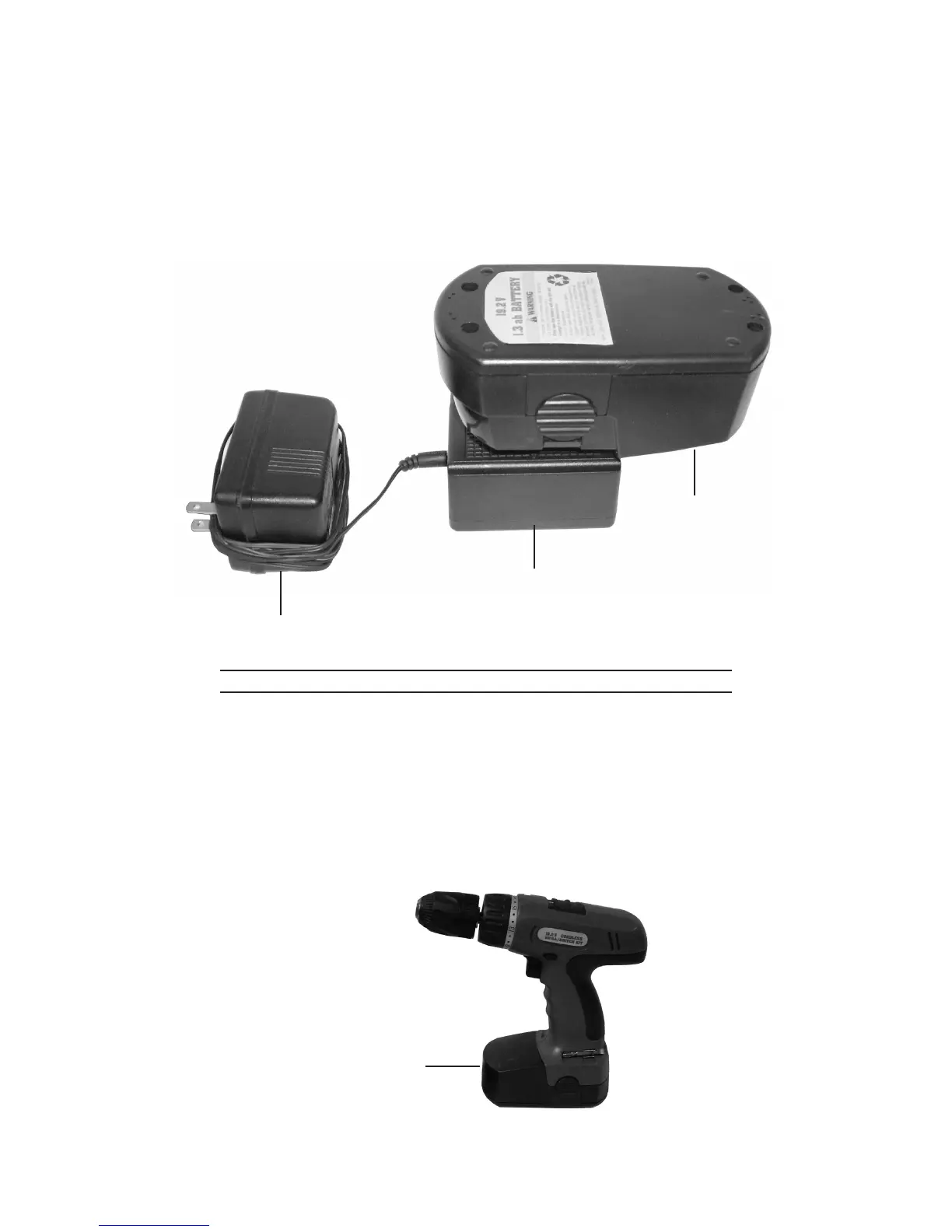
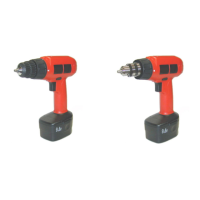
Insert the Battery (29) into the Charger Stand (23). (See Figure A.)
The Battery (29) will charge in approximately 3 to 5 hours. Do not charge the
Battery for longer than 5 hours. Subsequent charges will also take between 3
and 5 hours. Allow the Charger Stand (23) to cool down before charging another
Battery.
BATTERY (29)
AC/DC ADAPTER (24)
CHARGER STAND (23)
FIGURE A
To Attach The Charged Battery To The Drill/Driver
When the Battery (29) is fully charged, unplug the AC/DC Adapter (24) from its
electrical outlet. Then remove the Battery from the Charger Stand (23). (See
Figure A.)
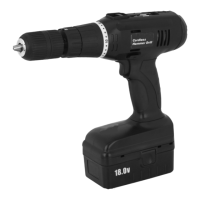
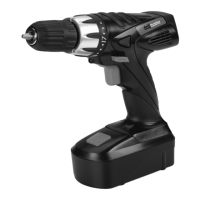
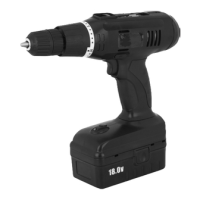
Insert the Battery (29) into the Battery Receptacle located at the bottom of the
Drill/Driver. Make sure the two Securing Clasps (one on each side of the Battery)
engage the Drill/Driver. (See Figure B.)
4.
5.
1.
2.
BATTERY (29)
FIGURE B




 To Next Page