Installing Your Water 1000 Pro Series
Installing Your Water 1000 Pro Series 2-26
Flushing Your Filters
Certain types of lters require ushing prior to use. This is important for both the lters
lifespan, and the long term lifespan of your Drinkpod 1000 Pro Series. Additionally,
replacements for these types of lters should be ushed each time one is replaced,
prior to installing. For your 1000 Pro Series, the lter that requires ushing is the
ULTRA+3 Hybrid Scrub .
This section will require
A
1/4 in. White PP Tubing,
G
Filter Flushing Attachment,
the lters listed above, scissors, and a container to ush water into (if your sink isn’t within
reach of your water line).
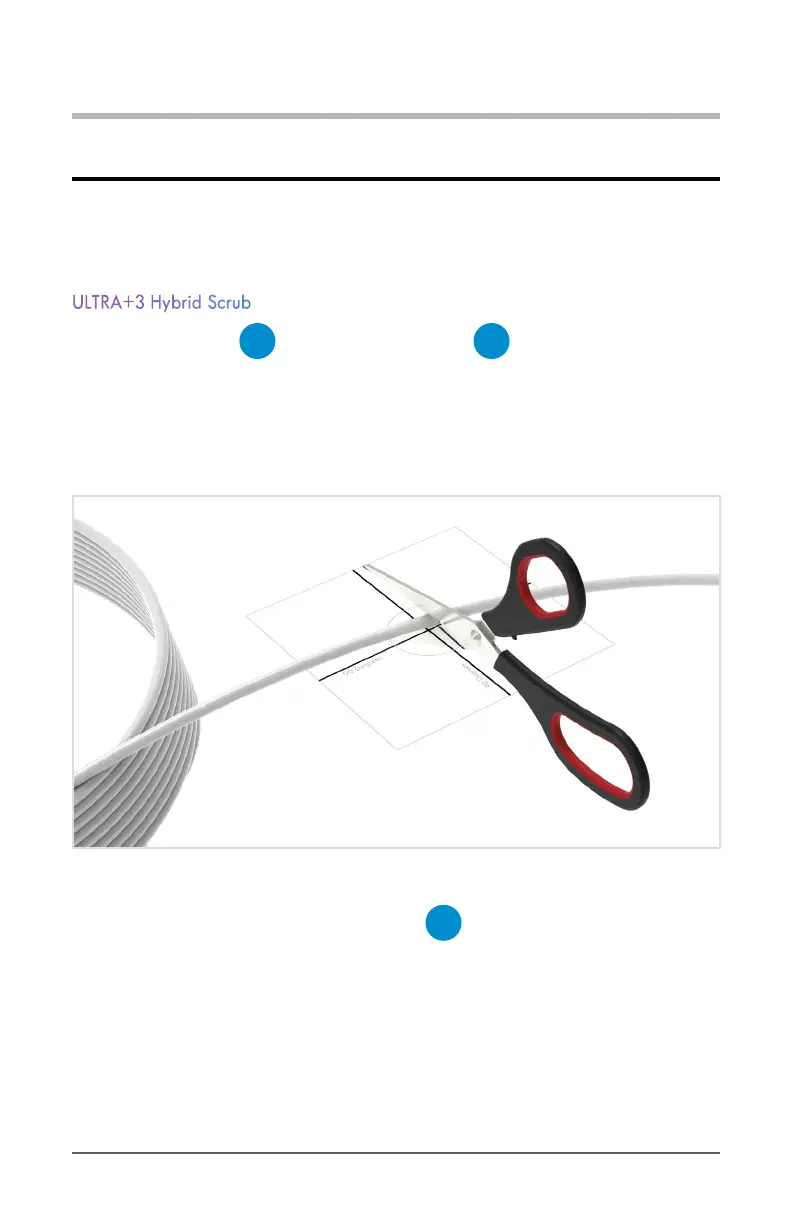
1. Begin by cutting a 3 ft. to 5 ft. section of 1/4 in. White PP Tubing. Make sure to
cut the tubing at a 90 degree (perpendicular) angle.
Diagram 2.5.1 Cut Tubing Perpendicularly
2. Next, insert one end to the labeled IN port on
G
Filter Flushing Attachment. Be
sure to forcefully push tubing all the way into the QC input until it won’t insert any further.


 To Next Page