Installing Your Water 1000 Pro Series
Installing Your Water 1000 Pro Series 2-47
Remove the bags and top cap.
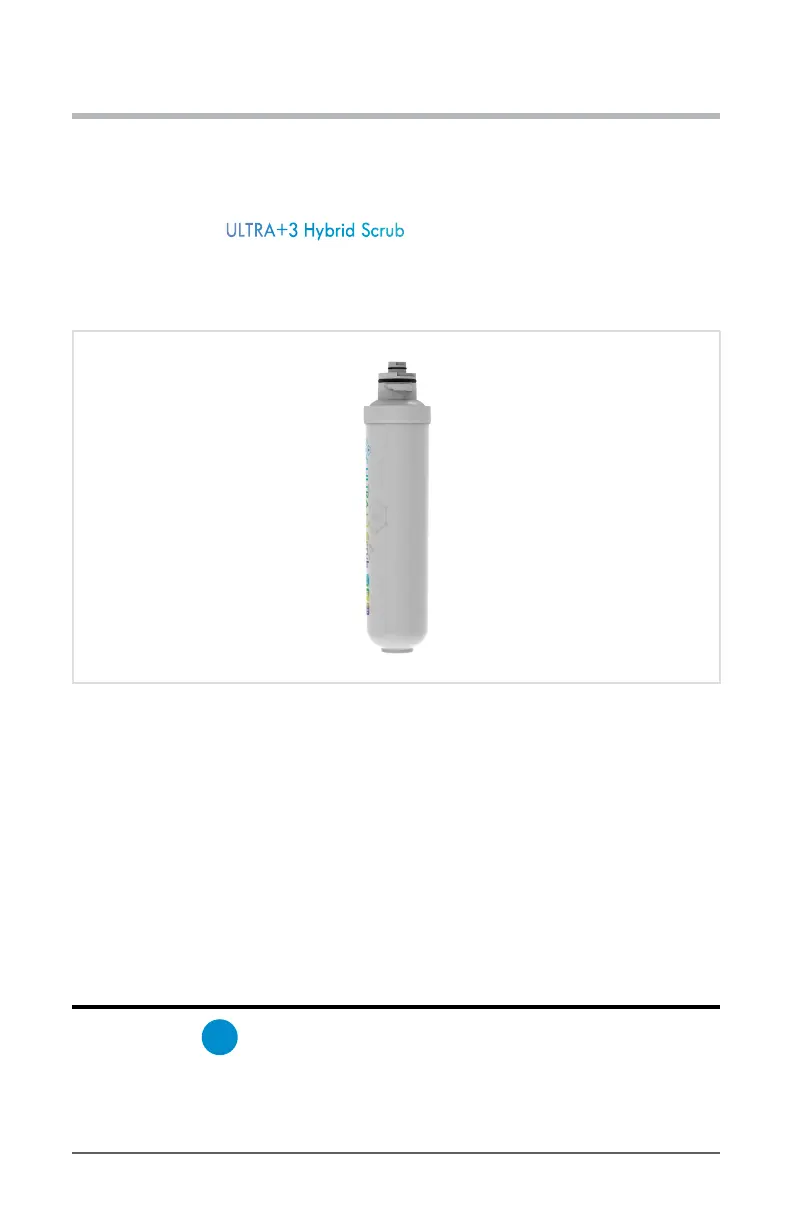
3. To install, hold the ULTRA+3 Hybrid Scrub in your hand so that its name on the label
is rotated roughly 90 degrees counterclockwise. This (or rotated 180 degrees further) is
the direction each lter should be rotated before beginning to insert it into the mounting
bracket.
Diagram 2.8.3 - Hold Filter Rotated 90 Degrees CCW
4. Next, with your other hand, grab and pivot the lter mount up/back. Continue to hold
and brace it for the next step.
5. Now, insert the lter up into the bracket while twisting clockwise 90 degrees, until you
feel it lock into place.
6. Release the lter and bracket, letting the latter pivot back down to its normal position,
and reattach the magnetic lter door.
Optional - Expanding Purication Capabilities
7. First, grab part
H
Expansion Filter Mounting Bracket, and slide it up into the upper
the rear lter mounting slots on the back of your Drinkpod 1000 Pro Series.


 To Next Page