Installing Your Water 1000 Pro Series
Installing Your Water 1000 Pro Series 2-28
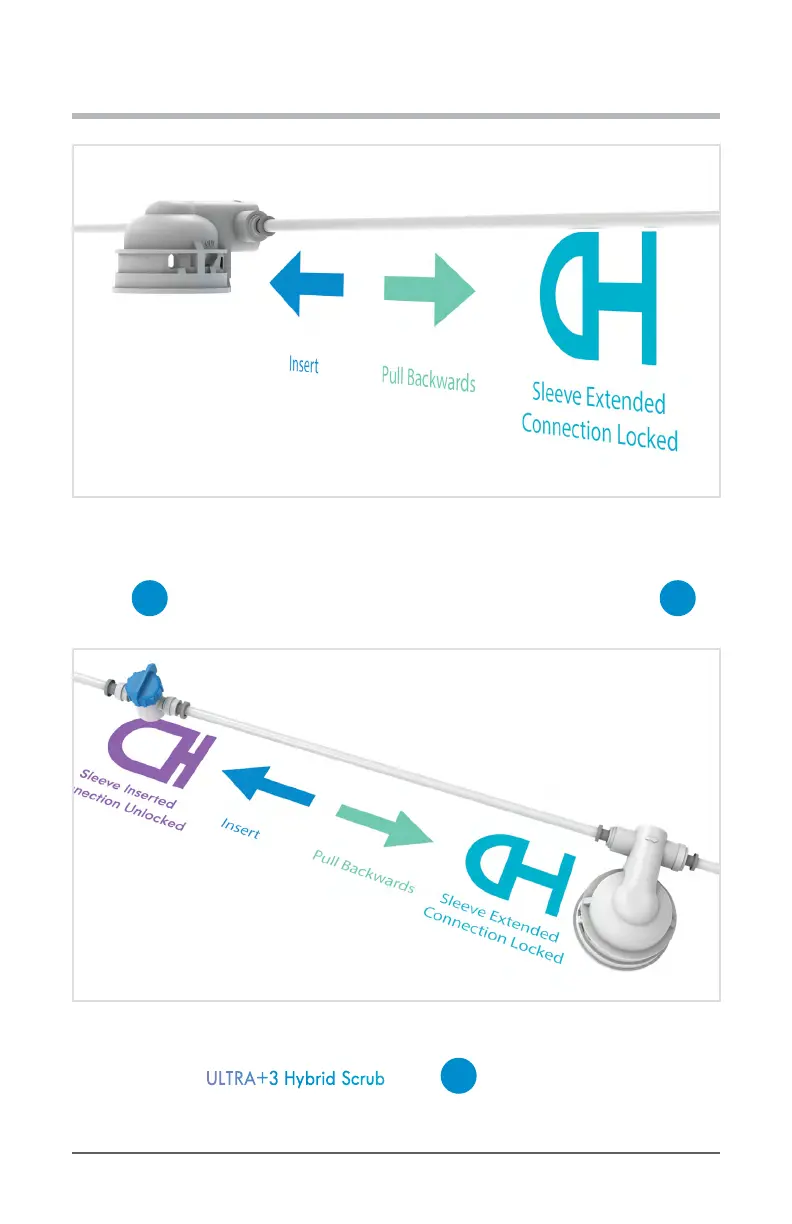
Diagram 2.5.4 OPTIONAL Connect Drain Line To Flushing Accessory ‘OUT’ Port
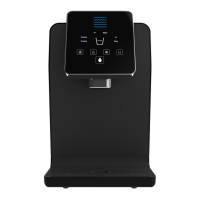
5. Follow the same steps to connect the open end of the IN line (not the OUT line)from
your
G
Filter Flushing Attachment, and connect it to the open port on your
C
1/4 in. Quick Connect Shuto Valve connected to your Water Source Line.
Diagram 2.5.5 Connect Filter Flushing Setup To Water Source Line
6. Next, insert the ULTRA+3 Hybrid Scrub up into
G
Filter Flushing Attachment
while twisting it clockwise until it locks into place.


 To Next Page