10
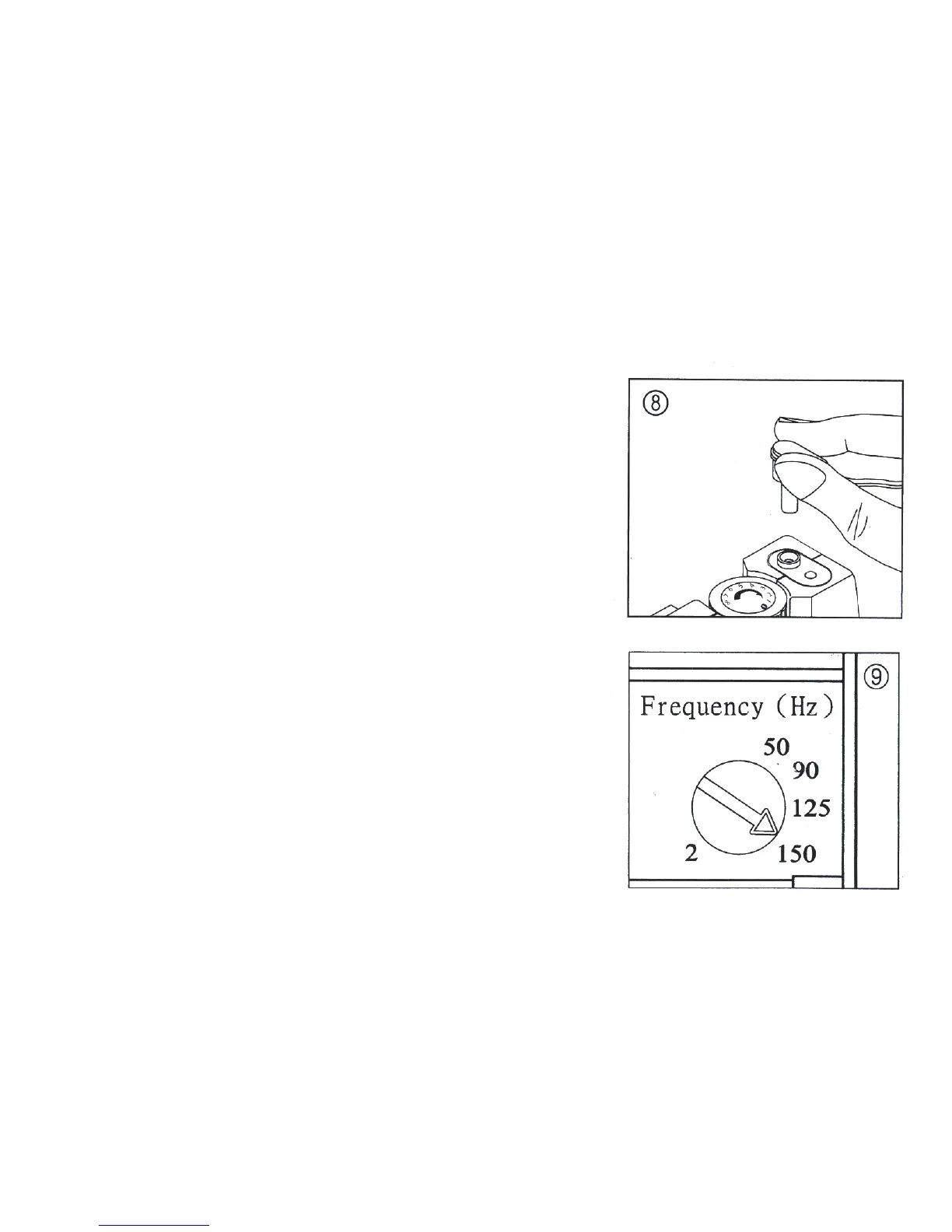
8. Connect Leads to TENS Unit. Insert receptacle end of lead wire
set into the channel output receptacle to be used, ( 1 and/or 2 ),
Pushing plug all the way in.
9. Adjust Pulse Frequency. Turn the Pulse Frequency control to the
setting recommended by your medical professional.



 To Next Page