11
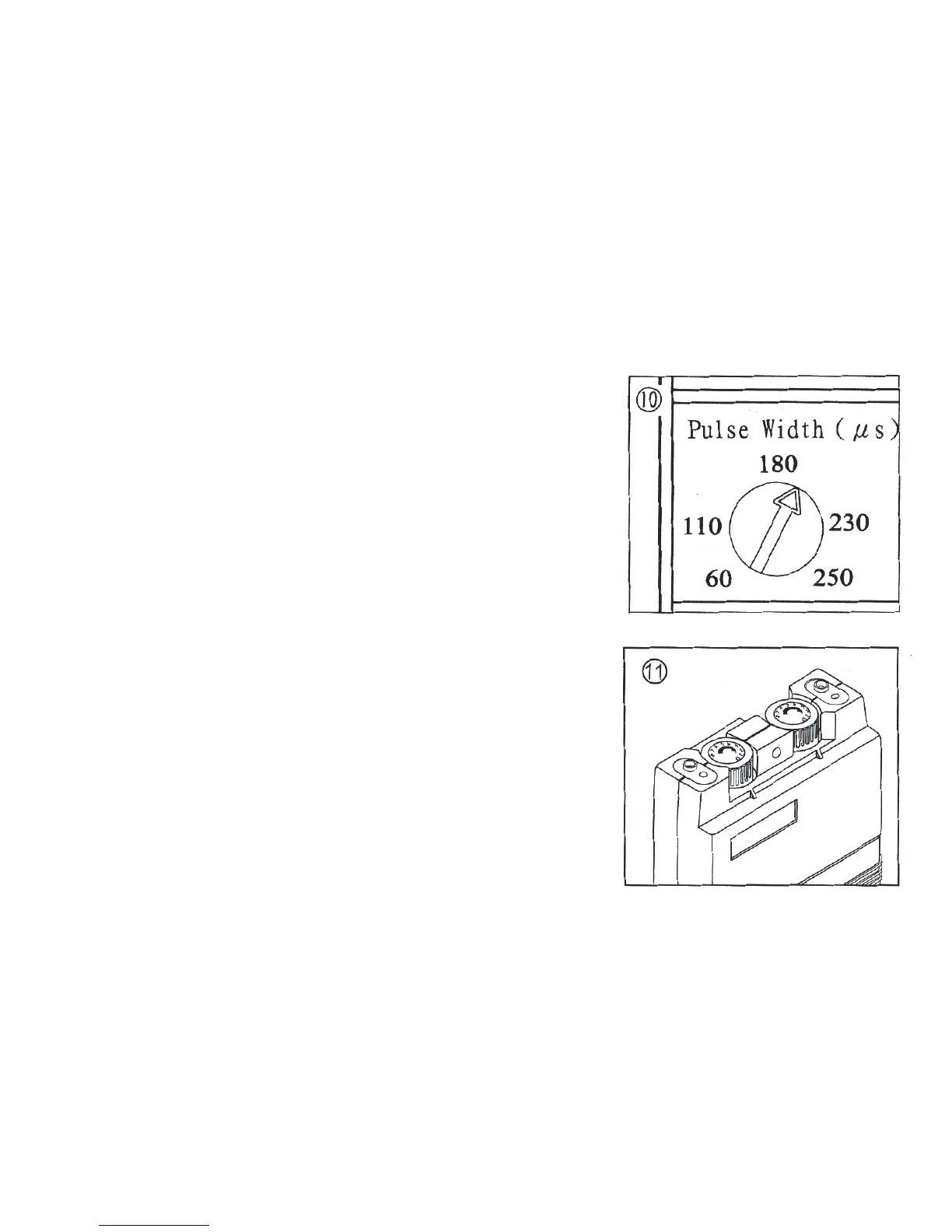
10. Adjust Pulse Width. Turn the Pulse Width control to the setting
recommended by your medical professional.
11. Adjust Output. Turn Amplitude control knob for Channel 1 or 2
clockwise. The indicator will light up while the unit is in
operation. Slowly turn the channel control in a clockwise
direction until you reach the setting recommended by your
medical professional. Repeat for the other channel, if both
channels are to be used.



 To Next Page