Royale By Drive Owner’s Handbook Page 8
4. Press the MODE button again so the
minutes are flashing
5. Press the SET to change until the hour
is at the required setting
6. Leave the scooter until the display
stops flashing, or hold down the MODE
and SET buttons for 2 seconds.
(h) Odometer
When the scooter is first started it will show
ODO and the total mileage of the scooter
for 5 seconds.
After this the scooter will show TRIP and
the trip distance.
To reset the trip counter, hold the SET
button down for 3 seconds.
(i) Headlight
Press the HEADLIGHT button to switch on
the headlight. Press the button again to
switch off the headlight.
(j) Side Lights
Press the SIDE LIGHT button to switch on
the headlight. Press the button again to
switch off the headlight.
(k) Indicators
Press the RIGHT INDICATOR or LEFT
INDICATOR button to operate the
indicator, which will flash and a buzzer will
sound. Press the button again to stop the
indicator.
(l) Hazard Warning Light
Press the HAZARD button to operate the
hazard warning light, which will flash and a
buzzer will sound. Press the button again to
stop the lights.
(m) Temperature
The temperature gauge will show the
ambient temperature in ºC or ºF
To change the temperature to ºC or ºF:
1. Hold down the MODE and SET
buttons until the clock starts flashing.
2. Then press the MODE button until
the temperature gauge is flashing.
4. Then press SET to change to the
required setting.
5. Hold down the MODE and SET
buttons for 2 seconds.
When the scooter is first switched on, all the
display will light up for 3 seconds whilst the
scooter runs a self test.
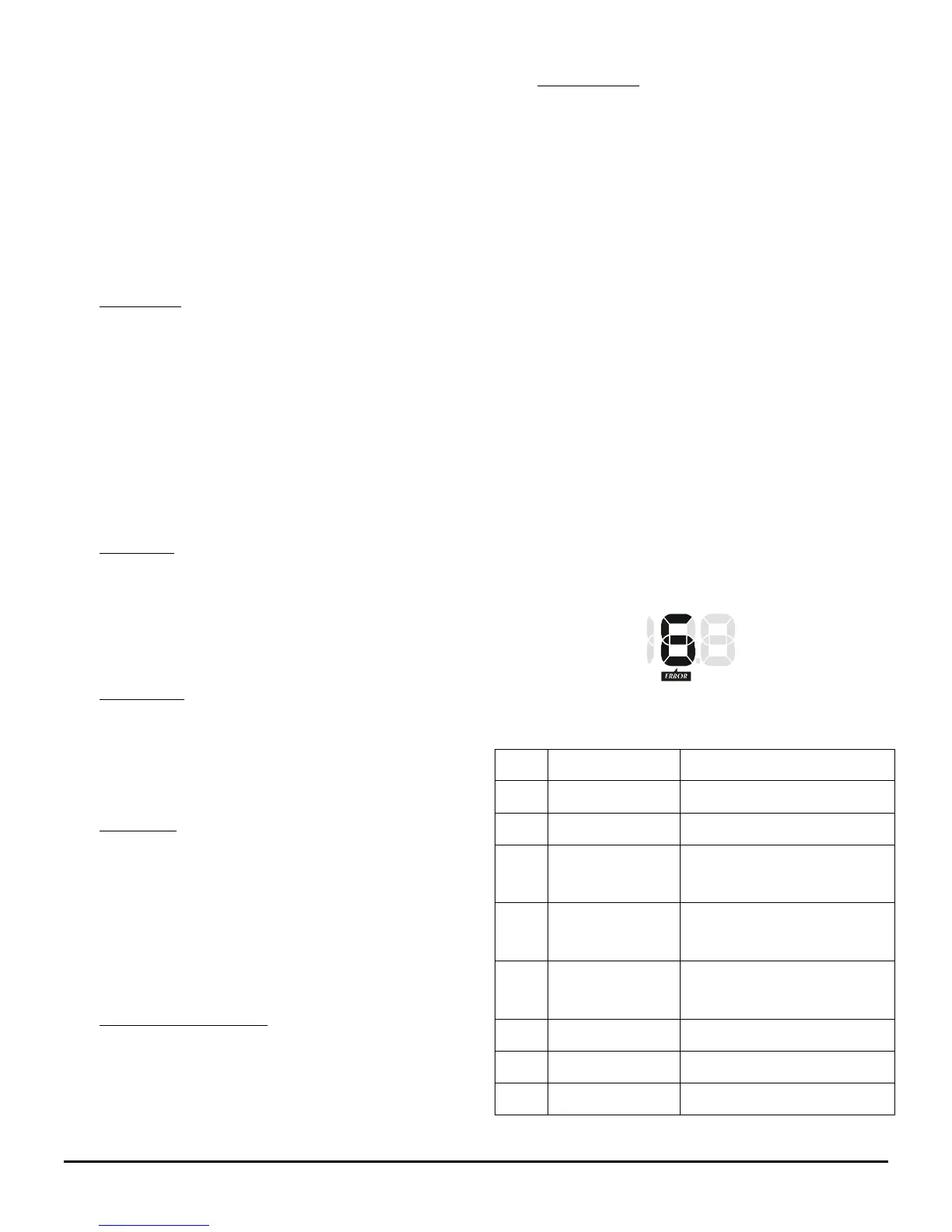
If the scooter finds an error during this time or
during operation error will show on the display,
the red WARNING light will show and the
speedo will display a number (see below):
The errors shown by each number are shown
below:
Switch off scooter and
restart after 5 minutes.
Check scooter is not in
freewheel mode
Restart scooter with
speed lever released


 To Next Page