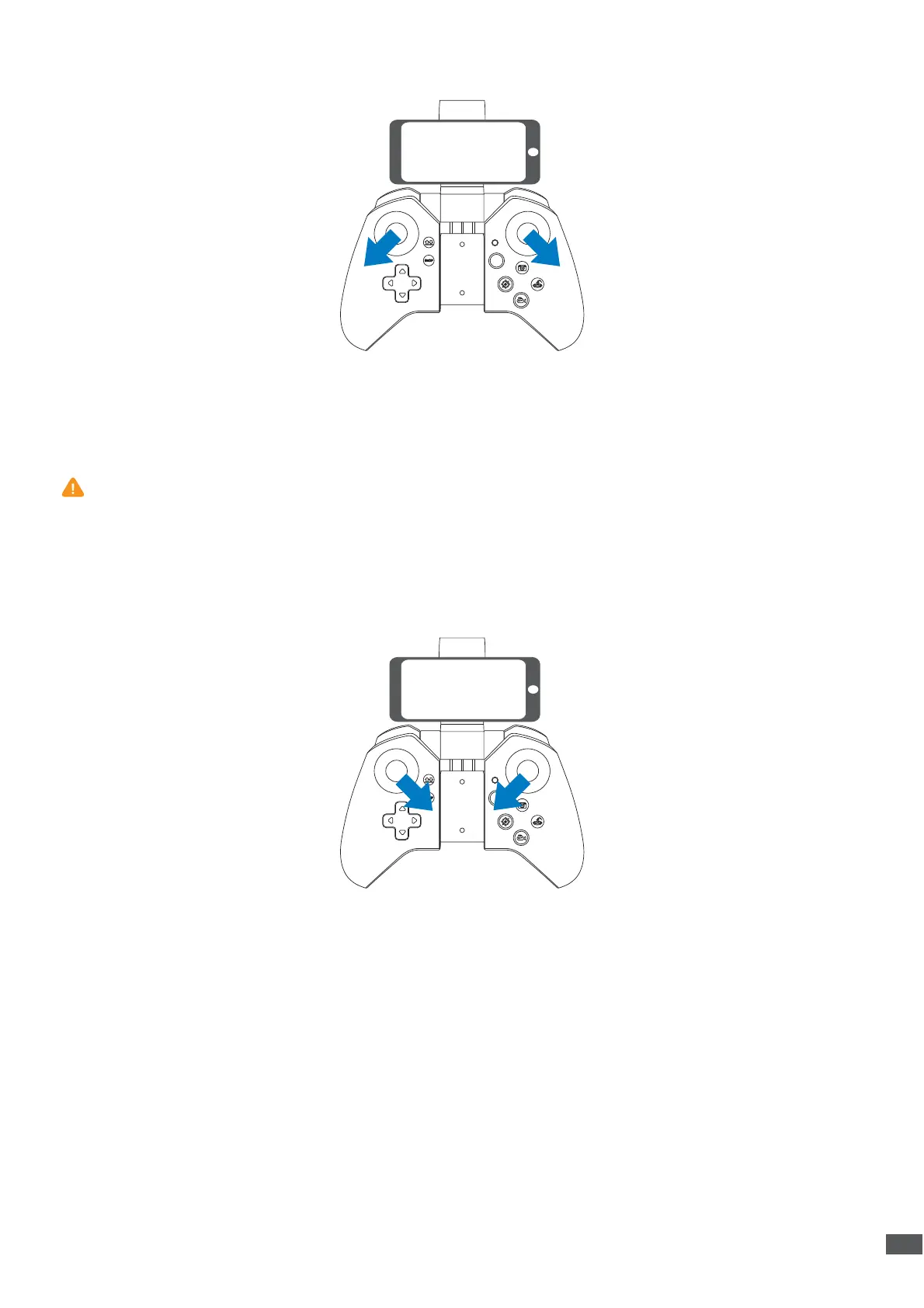
6.2 Calibrate the Gyro
6.3 Unlocking / Locking the motors
Move the Left Control Stick to lower left in 45° and the Right Control Stick to lower right in
45° at the same time, the indicator light on drone will blink and turn solid that indicates the
calibration is completed.
Unlocking the motors: Push two levers down to 45° as picture shows, until four rotor blades
start rotating.
Locking the motors: Repeat this operation, the motors will stop immediately.
To ensure a stable flight, we suggest that the pilot calibrates the gyro every time after
pairing the drone and after a crash.
06


 To Next Page