4
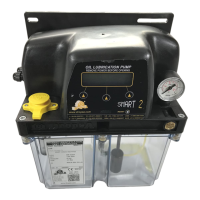
5.1 MANUAL SMART2
The electronic board, located under the cover of manual SMART2, allows pressure-switch and electric level
contact management both indipendent and serial.
On the front panel there are:
Push-button for manual control, “MANUAL”;
LED indicator for “PUMP ON”.
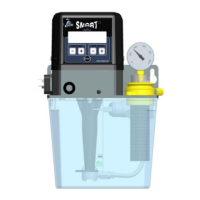
5.1 AUTOMATIC SMART2
VIP2004 Controller, located under the cover of automatic SMART2, allows pump total autonomy both in cycle
times, alarms or checks.
On the front panel there are:
LCD display 16x2 types;
Push-buttons: three for control/management and one RESET button.


 To Next Page