14
Exiting When
the System is
On (Quick
Exit)
Your installer will tell you if the Quick Exit feature will work on your system. You
can use the quick exit feature to leave the premises while the system is on, without
having to turn your system off and on again.
To use the quick exit feature:
1. While the system is on, press .
2. The system will start a two-minute countdown, during which you may leave
through the entry/exit door.
NOTE:
During this time, you may only open and close the entry/exit door
once. Once the door is closed the system will end the two-minute quick exit
time. If the door is opened again, or is not closed before the two-minutes
are up, or if another entry/exit door is opened, the entry delay time will
begin. The system must then be turned off so that an alarm is not gener-
ated.
Exit Button
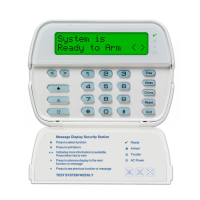
If your installer has programmed the “Exit” function button, press and hold the
button for two seconds to activate the quick exit feature.
*
0


 To Next Page