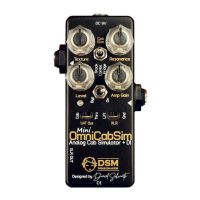
Knobs:
- Level: Sets the master output level of the effect.
- Gain: Emulates the gain of a power amp, starting from linear behaviour to slight
compression up to soft clipping. It also considers the output transformer core saturation,
limiting the lows and highs as the gain raises.
The amount of clipping is also dependent on the input signal level. If the input signal is
too high, it will distort too soon, if it’s too low, it may never distort. Carefully choose the
gain and set the input level (the output level of the previous device) to get the desired
clipping behaviour. As a rule of thumb, set the level knob at 75% and the gain at 50%
and you should get about unity compared to the bypassed signal. Adjust the input level
if there’s too much difference.
For high gain guitar tones, lower Amp Gain levels works best for tighter tones. For low
gain (like OD’s or bluesy tones) a higher Amp Gain will give you that extra attack and grit
of tube power amps.
For Bass, the amp gain set at 50-75% will work as a hard limiter, very nice for enhancing
those slaps attacks.
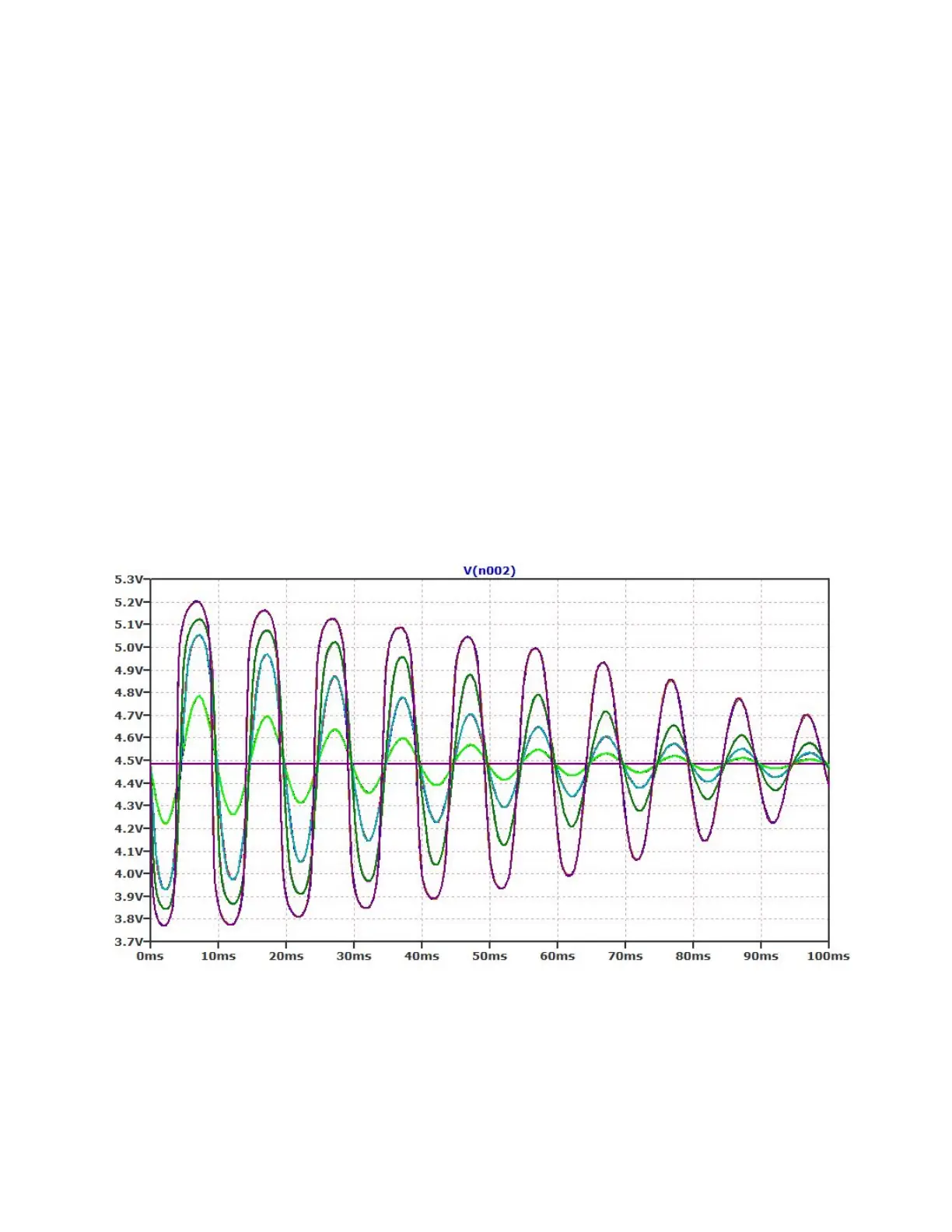
Clipping and limiting behavior of the Amp Gain Knob


 To Next Page
 Loading...